Requesting Passwords from End Users - End-User Experience
Require end-user to enter a password workflow
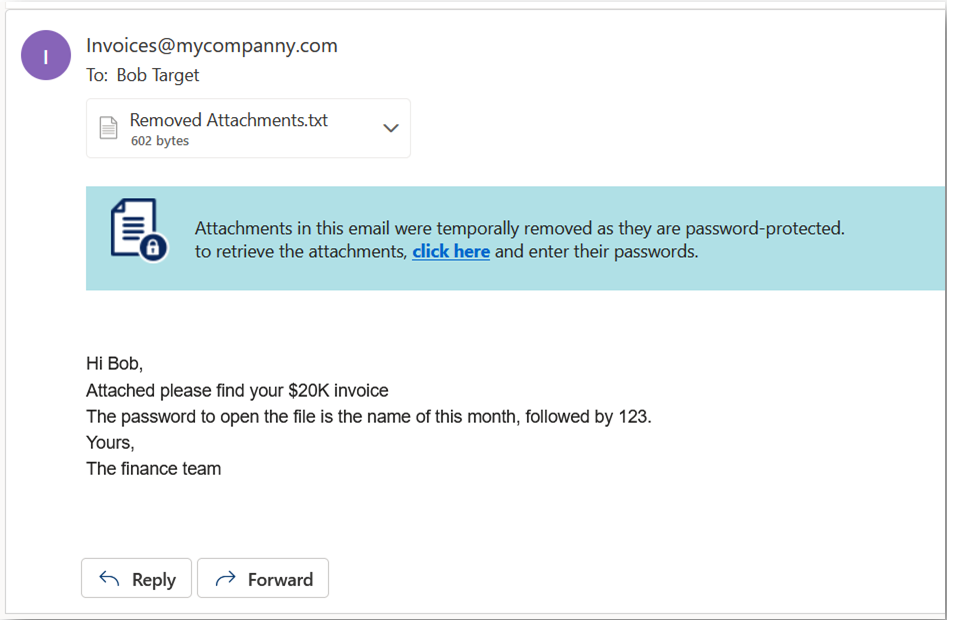
For password protected attachments, if Require end-user to enter a password workflow is defined in the policy, the attachment is removed temporarily and a warning banner is added to the email with a link to enter the password.
To restore the password protected attachments with Require end-user to enter a password workflow:
-
Click the link in the warning banner of the email.
-
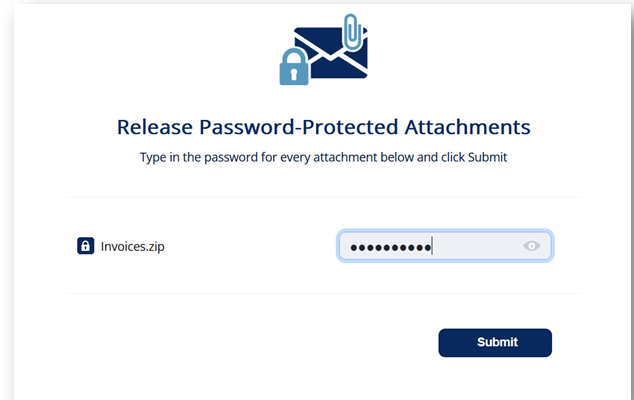
Enter the password for the attachment and click Submit.
After you submit, the Anti-Malware engine scans the attachment for malicious content.
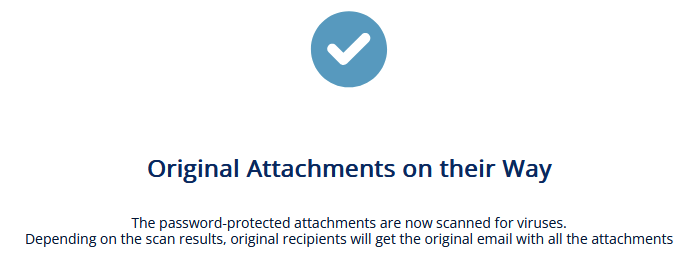
If the Anti-Malware engine finds the attachment as clean, the original email with password-protected attachment gets delivered to the original recipients of the email.
If the email was already released, this message appears: