
Quarantine. User is alerted and allowed to restore the email workflow
For password protected attachments, if Quarantine. User is alerted and allowed to restore the email workflow is defined for the policy, the email body and its attachments are removed. The user receives a notification about the email and its attachments with a link to request to release the email.
To restore the email and its attachments with Quarantine. User is alerted and allowed to restore the email workflow:
-
If prompted, enter the reason for restoring the attachment, and click Submit.
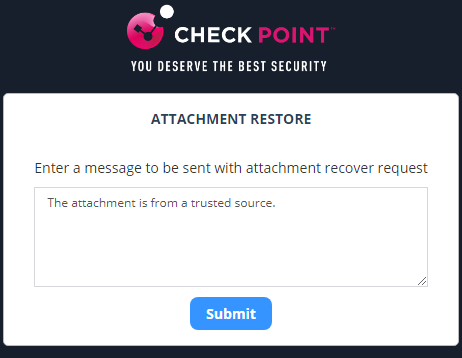
After you submit, the admin receives the request.
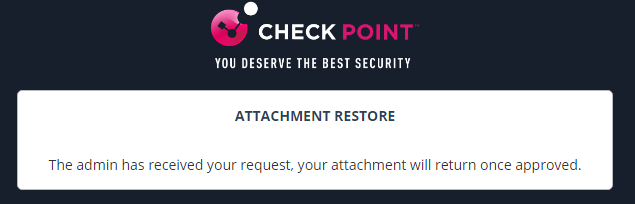
After the admin approves, the user receives the original email.