Step 3: Enabling Microsoft Sentinel
Microsoft Sentinel is enabled on top of the Log Analytics workspace. The workspace stores the data, and Microsoft Sentinel provides security analytics, investigation, workbooks, incidents, and automation.
-
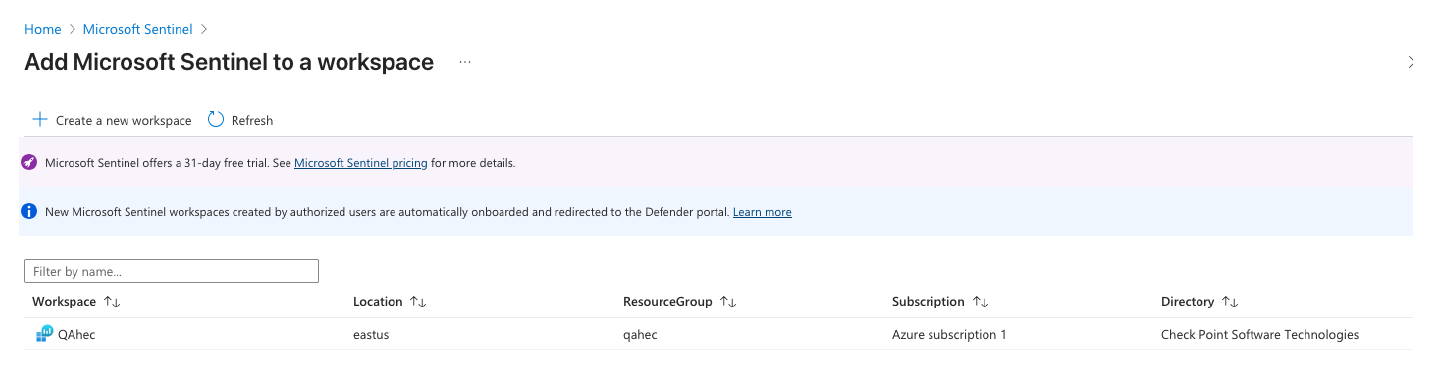
In the Add Microsoft Sentinel to a workspace page that appears, select the Log Analytics workspace created in Step 2: Creating a Log Analytics Workspace.