Step 1: Creating an Azure Resource Group

A resource group is a logical container for the Azure resources used by the integration. If you already have a resource group that contains your Microsoft Sentinel workspace, you can use the existing resource group.

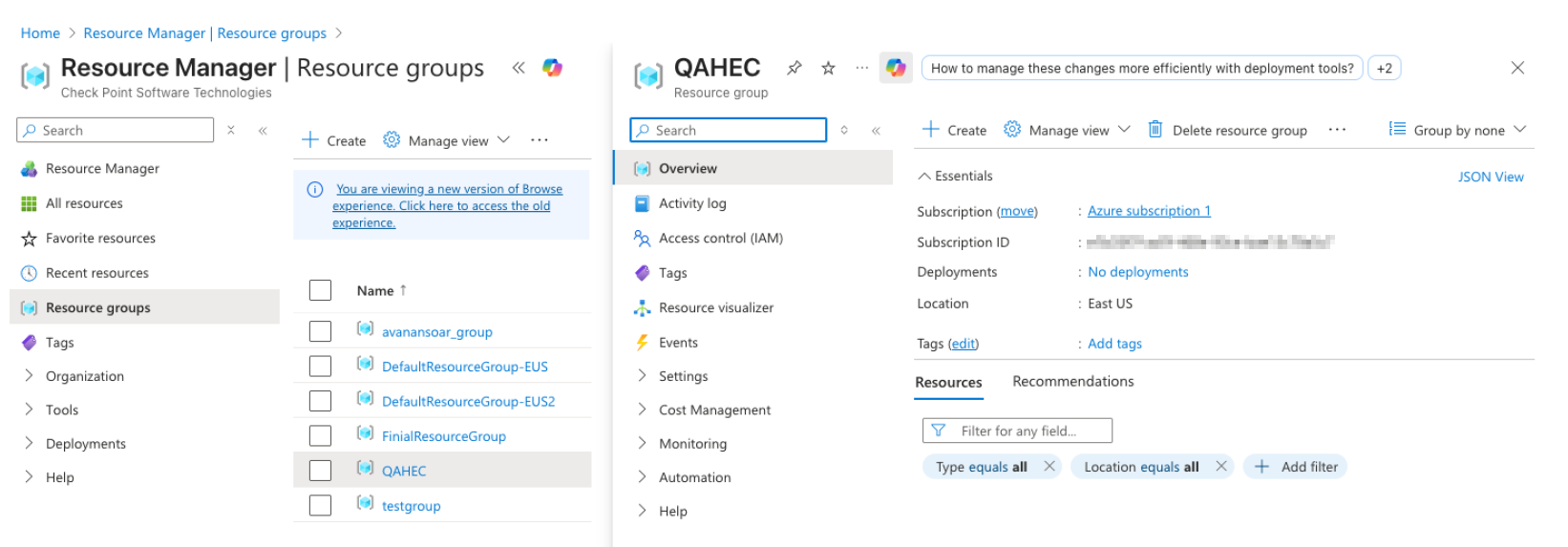
  1. Sign in to the Azure portal.
  2. Search for Resource groups in the search bar.
  3. In the Resource groups page, click Create.
  4. Select the required Azure subscription.
  5. In the Name field, enter a name for the resource group. For example, rg-avanan-sentinel.
  6. From the Region dropdown, select the required Azure region.
  7. Review the configuration details and click Review + Create.
  8. Click Create.