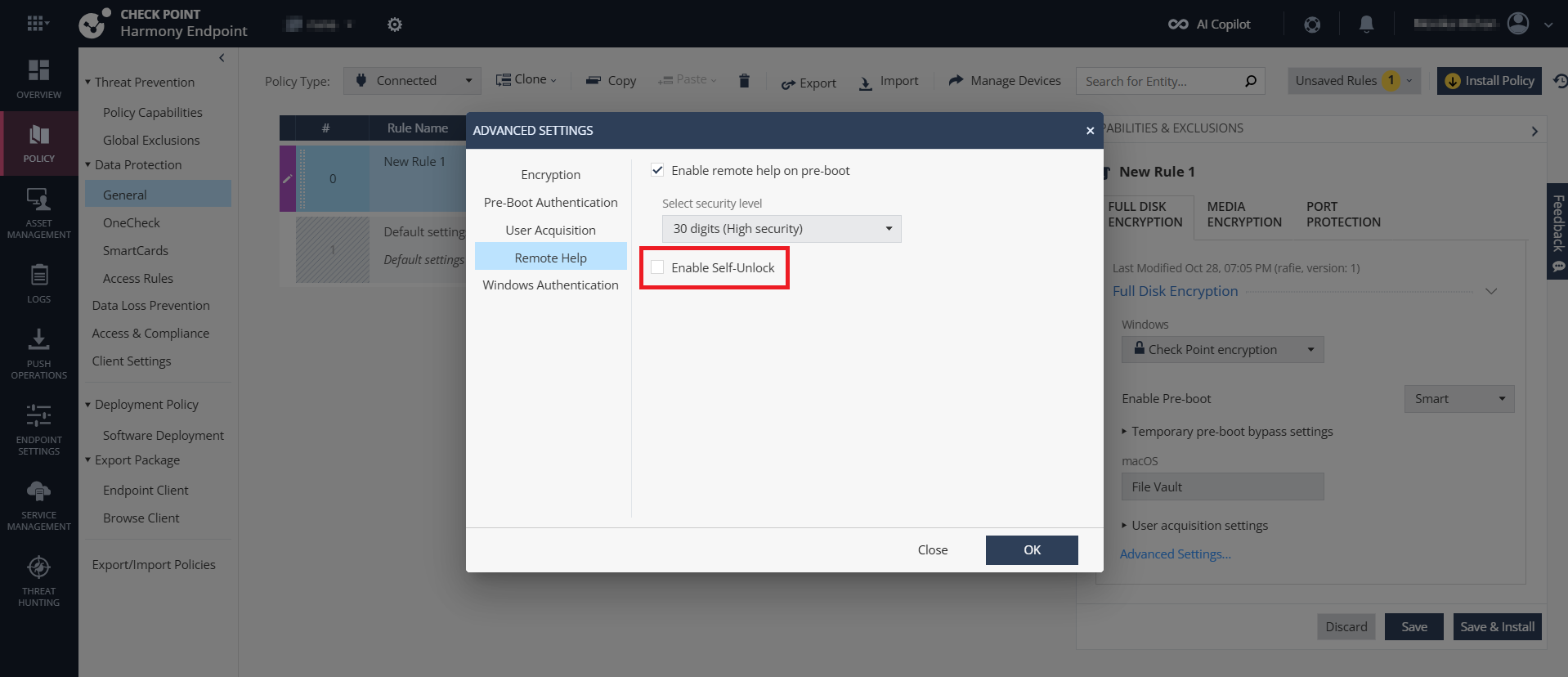
Self Unlock
Self Unlock allows users to unlock their computers by scanning a QR code using their mobile device, without administrator intervention.
It is supported only with Endpoint Security client for Windows version 86.60 and later.
To enable Self-Unlock for Full Disk Encryption:
-
Click Remote Help.