
Viewing Events by Device Risk
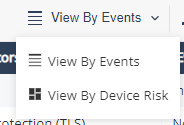
In addition to Events view, you can view the events according to device risk (not available when privacy mode is enabled):
This view shows all the necessary risk information per device in the system, and the number of the devices with a specific risk level.
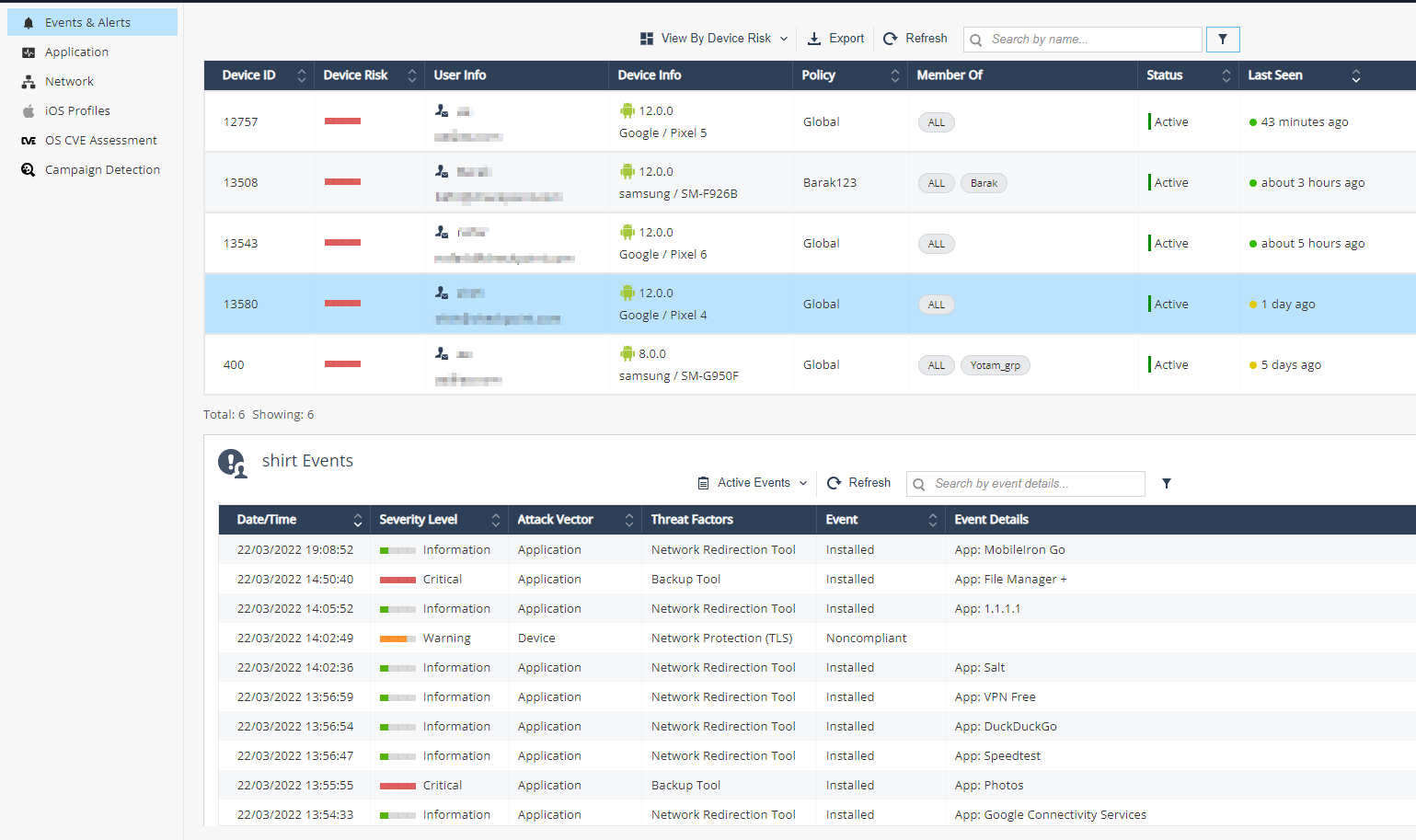
The top table shows the list of devices with their risk levels and the number of devices.
| Item | Description |
|---|---|
| Device Risk |
Device risk is determined by both the accumulative threats risk levels found on it and different settings present on the device. (Debugging tools, Jailbreak, Developer Tools, and so on). Risk levels:
|
| User Info |
User name and email as configured in the devices screen. |
| Device Info |
Device Info determined by the information received from the device post the Protect installation:
|
| Policy |
The device policy, determined according to the device group. Can be Global or custom. |
| Member Of |
The device groups. |
| Status |
Indicates the device current state:
|
| Last Seen |
Last seen field indicates the last time the device communicated with Mobile Security servers. |
You can filter every column in the table:
-
Click Filter
 above the table.
 -
On the Filters pane on the right side, select the information you want to view.
-
You can also export
 the mobile devices information from the table to CSV file, which creates a comma separated values file that can be opened in spreadsheet applications such as Microsoft Excel. Use filter to select the required information for the file. Later you can use those details to approach end-users and instruct them how to remove the risk off their mobile devices, or other related actions.
The lower table on the screen shows the chosen device row events details.
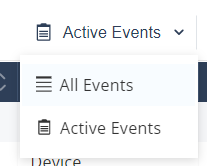
This table has two modes:
-
Active Events (default): Shows only the active events on the device.
-
All Events: Shows active and historic events.
You can filter every column in the table:
-
Click Filter
above the table. -
On the Filters pane on the right side, adjust information you want to view.