Verifying CA Certificate Renewal
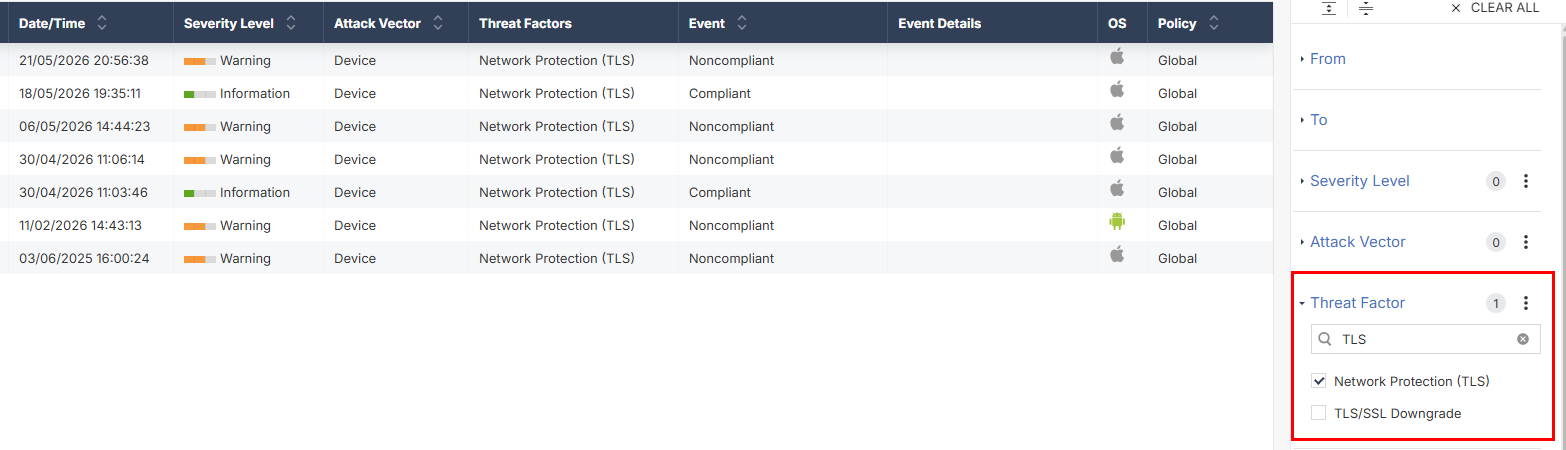
This section describes the procedure to verify whether all devices have installed the renewed CA certificate.
-
Filter the Threat Factor column for Network Protection (TLS) to view the list of devices that have not installed the renewed certificate.