
Viewing the Accounts Attached to a Template
-
Click Policy > MSSP View > Template Repository > Threat Prevention.
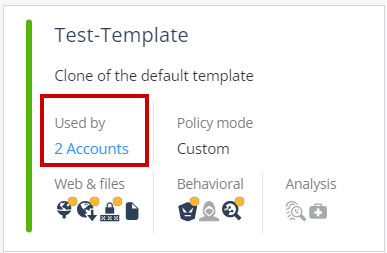
Used by shows the number of child accounts attached to the template.
-
To view the child accounts, click the number. The MSSP Templates pop-up appears and shows the details.
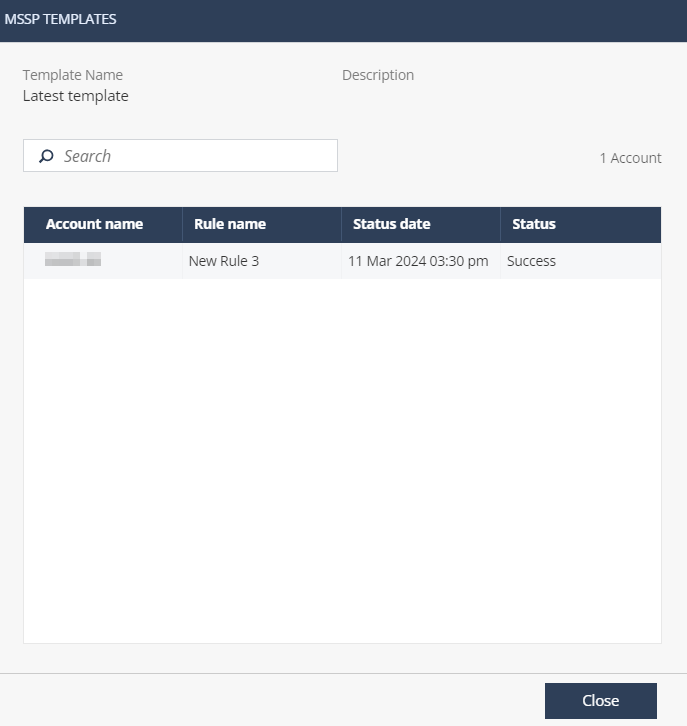
Column Name Description Account name Child account name. Rule name Policy rule name that uses the template in the child account. Status date Last date and time in the server when the child account checked for the template updates. Status Status of the last update. -
Success - The child account received the latest updates from the template.
-
Failed - The child account failed to receive the latest updates from the template.
-