
Reviewing Recommendations
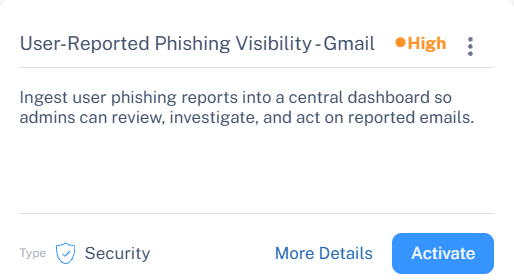
Each recommendation is displayed as a recommendation card that provides a quick overview of the configuration improvement opportunity. The card includes the recommendation title, severity level, recommendation type (Security or Productivity), and a short description explaining the purpose and impact of the recommendation. This information helps administrators quickly identify configuration gaps, understand their priority, and take the appropriate action to improve the overall Avanan configuration posture.
Recommendations are sorted by severity level (Critical, High, and Medium) and by their assigned rank, as defined in the recommendations list (for both Security and Productivity types). See Recommendations List.
To configure or activate a recommendation, see Managing Recommendations.
To learn more about the recommendation, see Viewing Recommendation Details.
To dismiss a recommendation, see Dismissing a Recommendation.