
Managing Recommendations
Configuring or Activating a Recommendation
To configure or activate a recommendation:
-
In the configuration pop-up or page that appears, make the relevant changes and save the configuration.
Note:
If an administrator create a policy from a recommendation:
-
If only one email server integration is configured (Microsoft 365 or Google Workspace), the system automatically opens the corresponding policy creation flow.
-
If both Microsoft 365 and Google Workspace integrations are configured, the system redirects the administrator to the Policies screen to select the relevant platform.
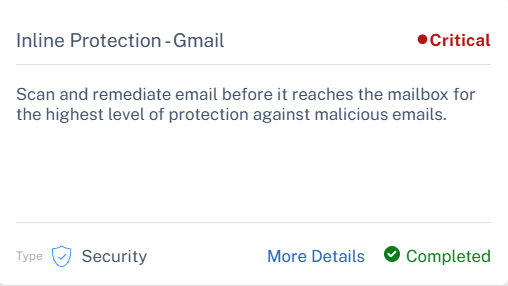
After the configuration is completed successfully and the page is refreshed, the status changes to Completed and is automatically hidden from the recommendations list.
-