Accessing the SmartConfig Recommendations
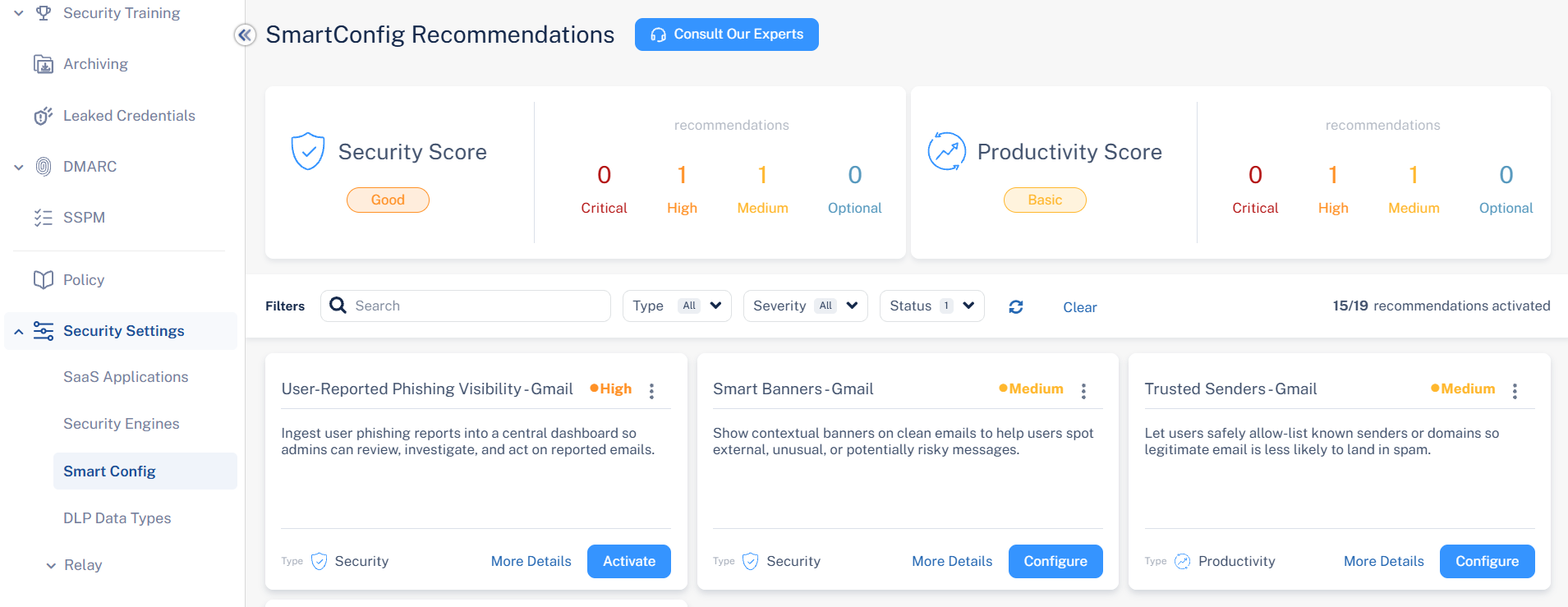
To access the SmartConfig Recommendations page:
-
From the left navigation panel, go to Security Settings > Smart Config.
By default, the system shows all Pending recommendations.

To access the SmartConfig Recommendations page:
By default, the system shows all Pending recommendations.