
Dismissing a Recommendation
To dismiss a recommendation:
-
Click the
 icon for the recommendation you want to dismiss.
-
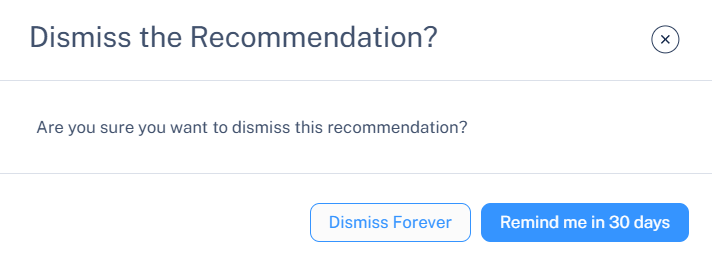
In the Dismiss the Recommendation? pop-up that appears.
-
To permanently dismiss the recommendation, click Dismiss Forever.
-
To receive a reminder about the recommendation after 30 days, click Remind me in 30 Days.
If you select the Remind me in 30 Days option, the recommendation is temporarily hidden and reappears after 30 days.
-