To request a restore from quarantine:
- Click on the link in the email you received.
-
On the User Verification page that appears, do these.
-
Enter your email address and click Submit.
Avanan sends a verification code to your email address.
-
Enter the verification code you received and click Submit.
Note:
Once authenticated, the user does not need to authenticate again in the same browser for the next 30 days.
-
Enter your email address and click Submit.
-
Enter the reason for your request to release the email from quarantine and click Submit.
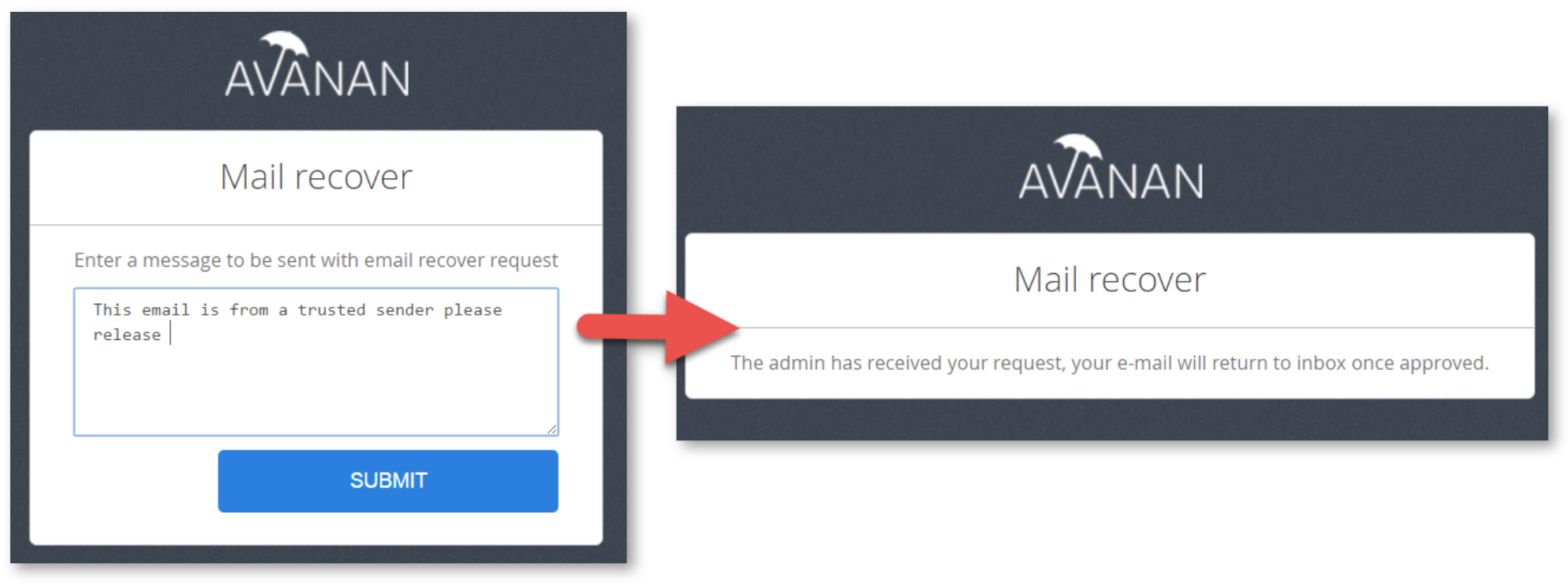
You will receive a notification that the request is sent to the administrator.
- If the request is approved by the administrator, the original message gets delivered to all the recipients of the restored email.