To view the secured email, the external recipient must do these
-
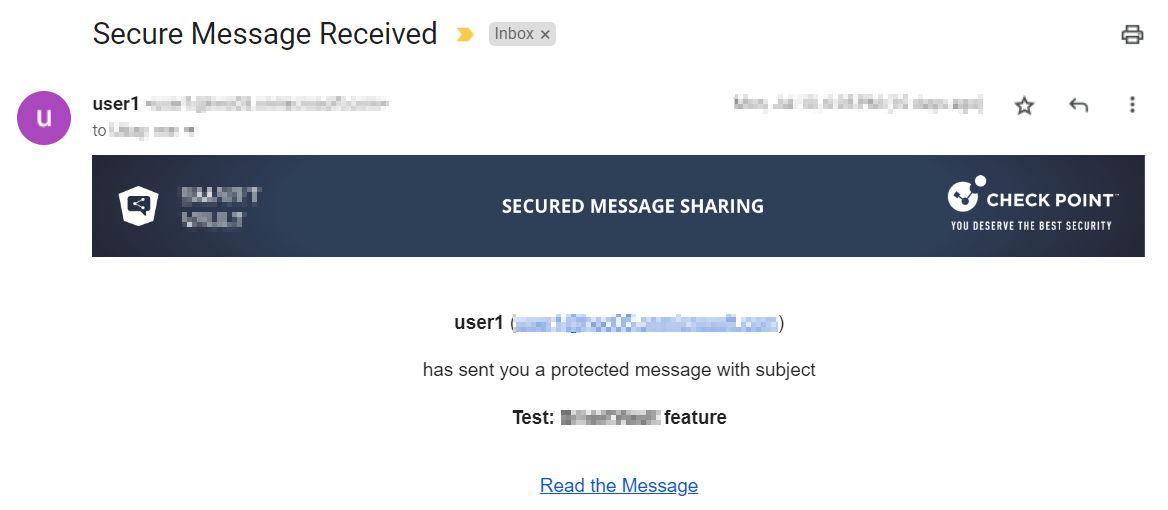
Click the secured link in the email notification.
 Note:
Note:By default, the secured link is valid only for 10 hours. After it expires, you must request a new link. To do that, click Send link from the Encrypted Link Expired page.
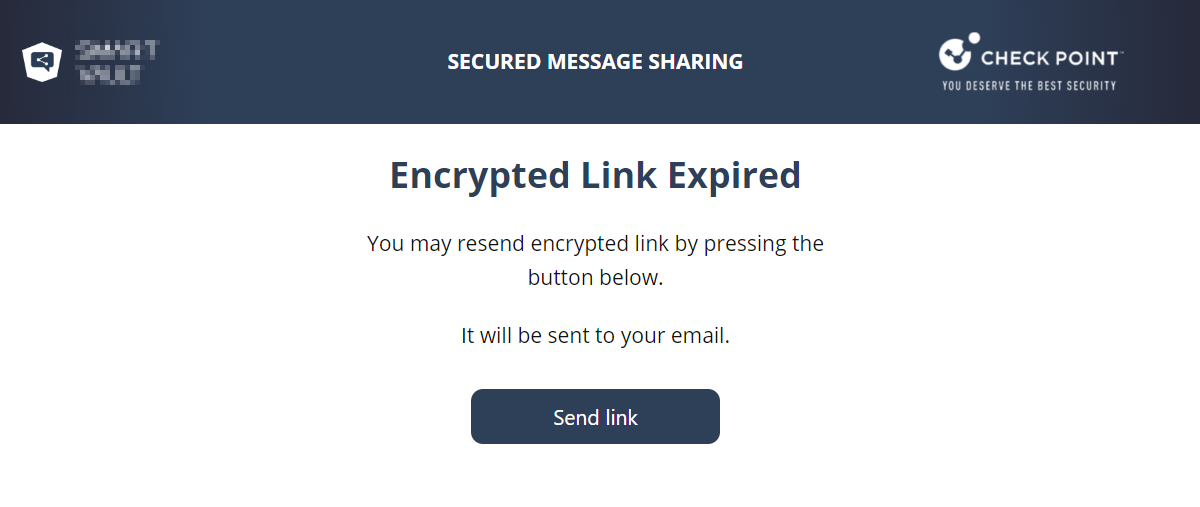
You will receive an email with the new secured link.
-
Click Get Authentication Code.
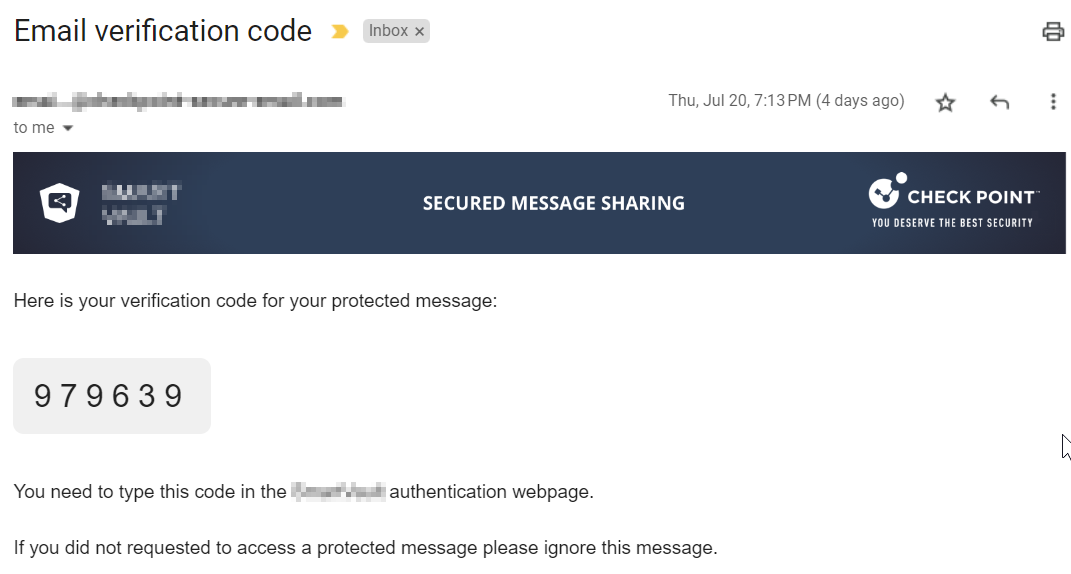
The recipient receives an authentication code through an email.
-
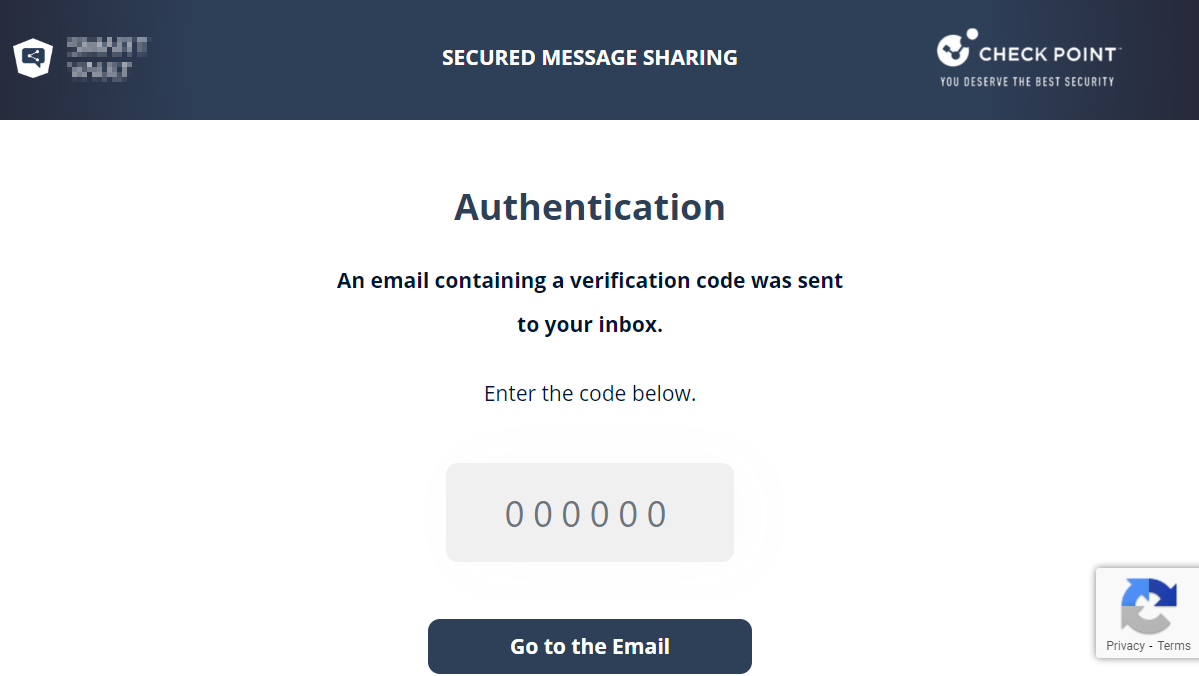
Enter the authentication code in the secured portal and click Go to the Email.
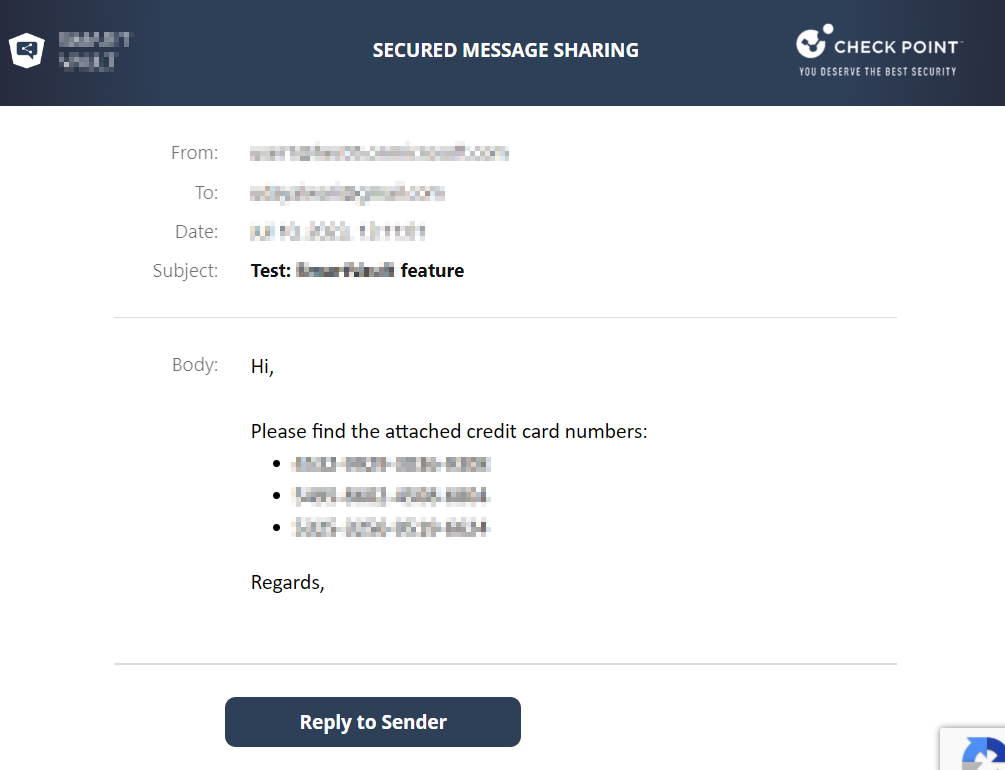
After successful authentication, the original email appears.
-
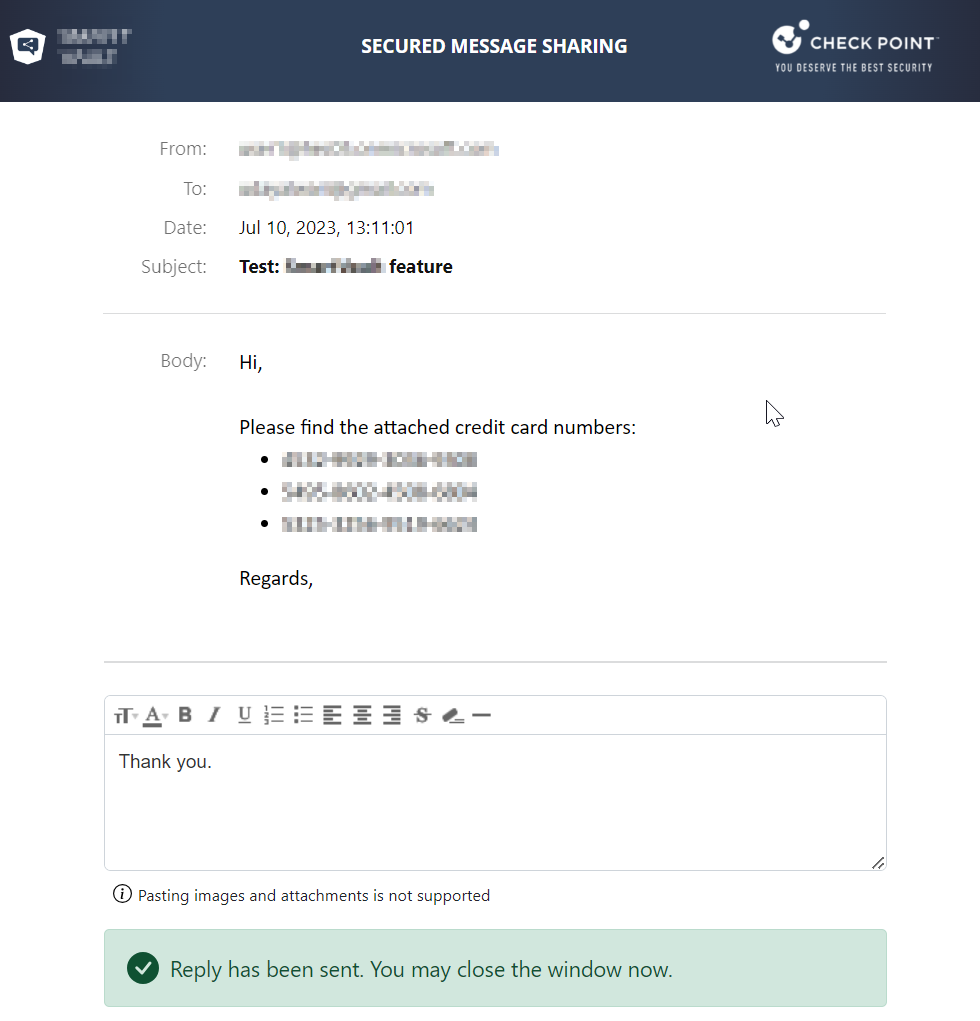
To reply to the email, click Reply to Sender.
-
Enter the required information and click Send.
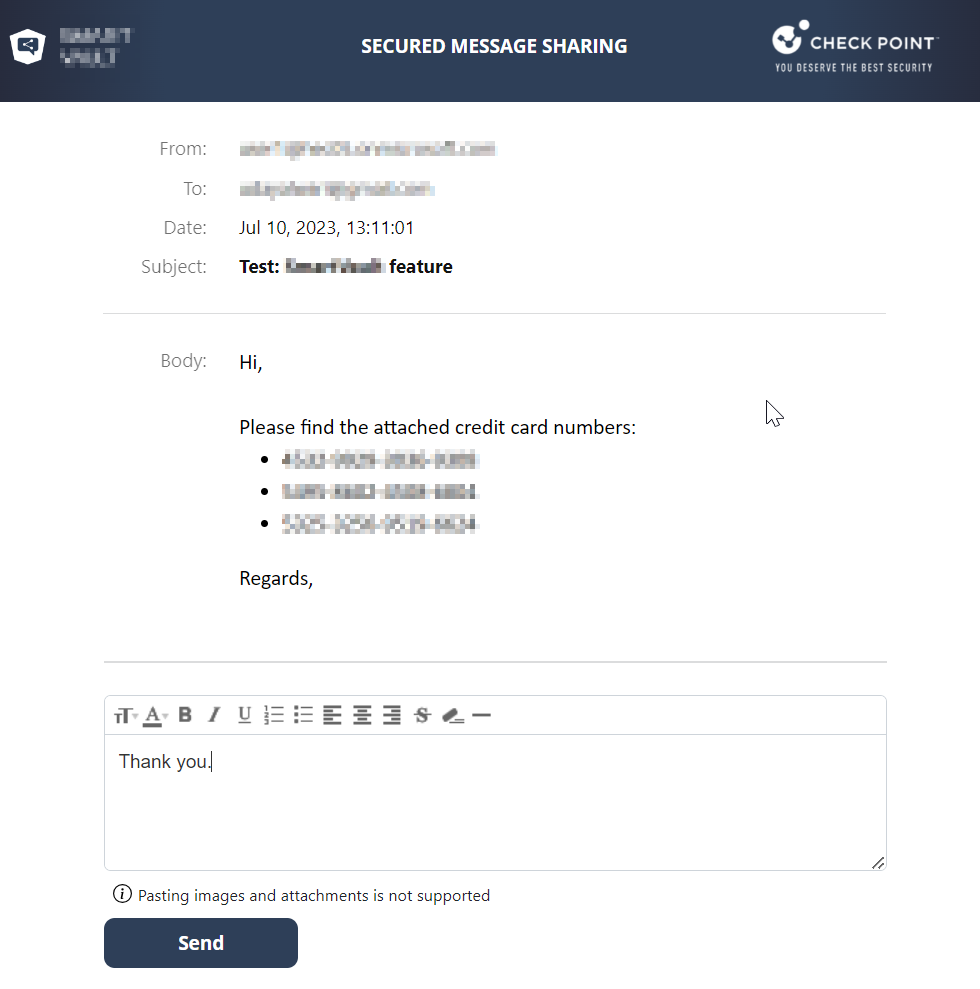
The response is sent as an email to the original sender and the secured portal shows the email delivery status.