
Managing Domains and Relay Sources
Reviewing the Relay Host Details
To view relay host details:
-
Click the
 icon for the relay source you want to view.
-
Click View relay host.
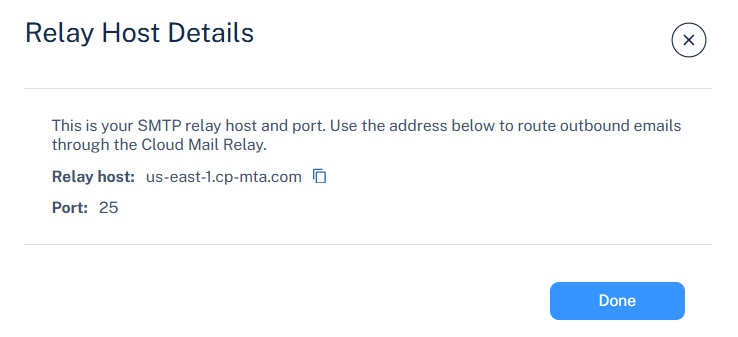
The Relay Host Details pop-up appears and provides the following information.
Entry
Value
Relay host The hostname of the Avanan Cloud SMTP relay server used to send outbound emails.
For example: us-east-1.cp-mta.com
Port The port number used for SMTP transmission.
Default: 25 (supports STARTTLS)
STARTTLS ensures secure encryption for outgoing messages.