Configure a Domain
To send outbound emails, onboard your domain and configure DNS records (MX, SPF, and DKIM) to authorize secure email delivery.
-
Click Onboard Domain.
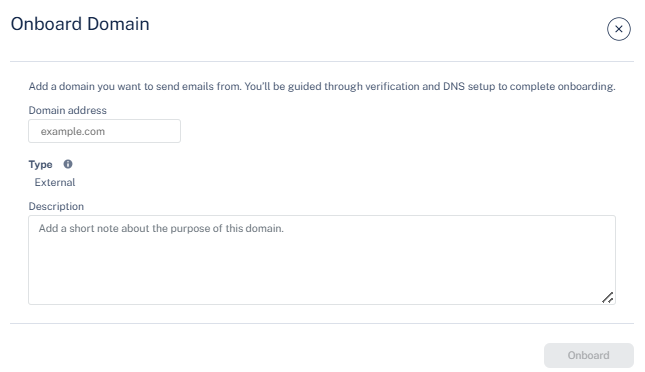
The Onboard Domain pop-up appears.

To send outbound emails, onboard your domain and configure DNS records (MX, SPF, and DKIM) to authorize secure email delivery.
The Onboard Domain pop-up appears.