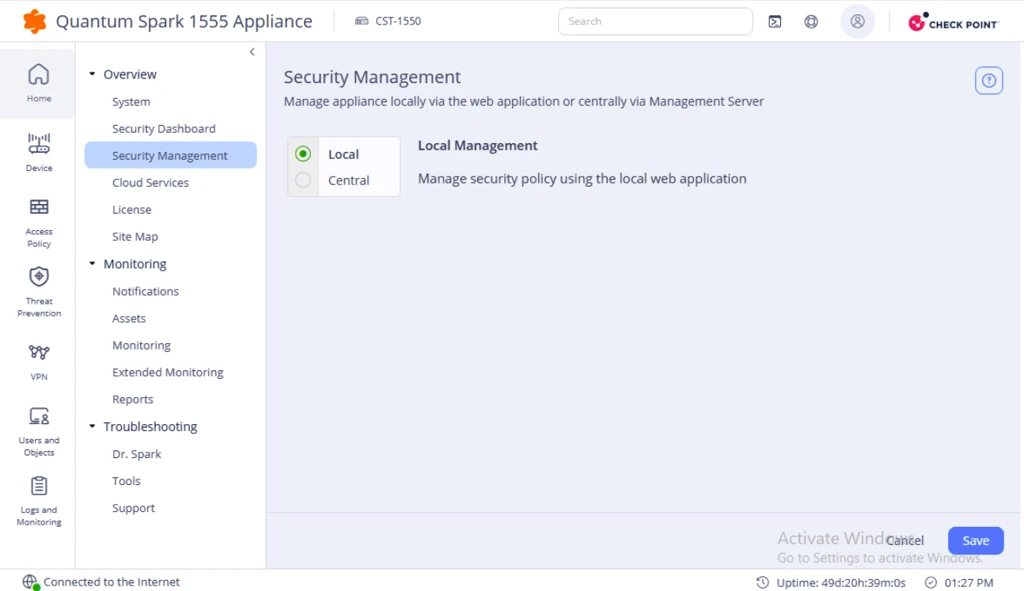
Moving the Spark Appliance from Centralized Management to Locally Managed
Switch a Spark appliance from centralized management by the Security Management Server to locally managed mode using the Spark Appliance WebUI console.
If your Spark appliance is connected to the Security Management Server, you must switch it to locally managed.
To switch the Spark appliance to locally managed:
-
Access the Spark Appliance WebUI console.
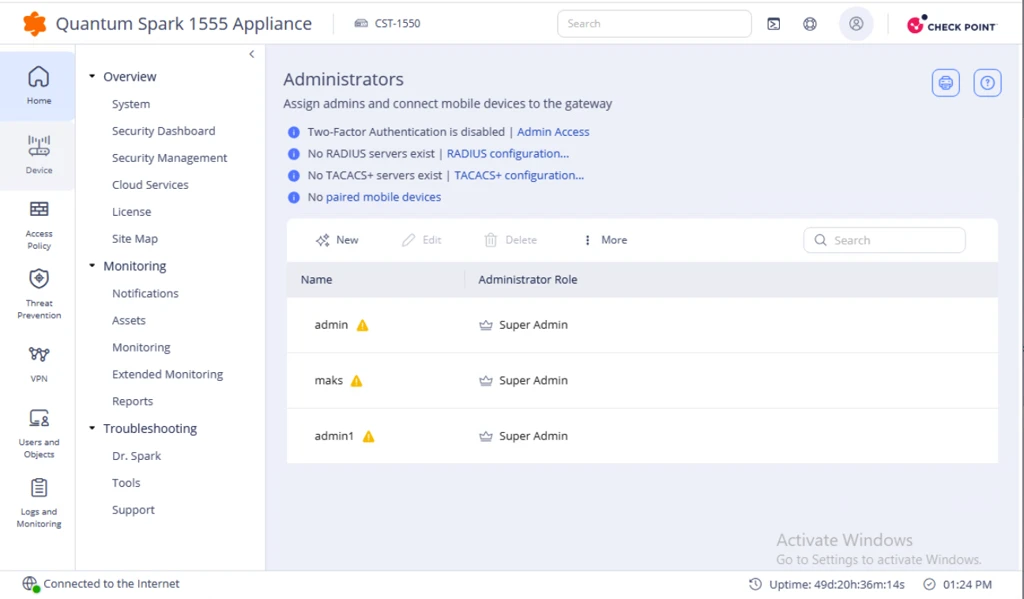
-
Go to the Home tab and select Security Management > Local.