On-boarding the On-premises Check Point Security Management Server
This topic describes how to onboard an on‑premises system to PlayBlocks. It provides step-by-step instructions to complete the onboarding workflow.
-
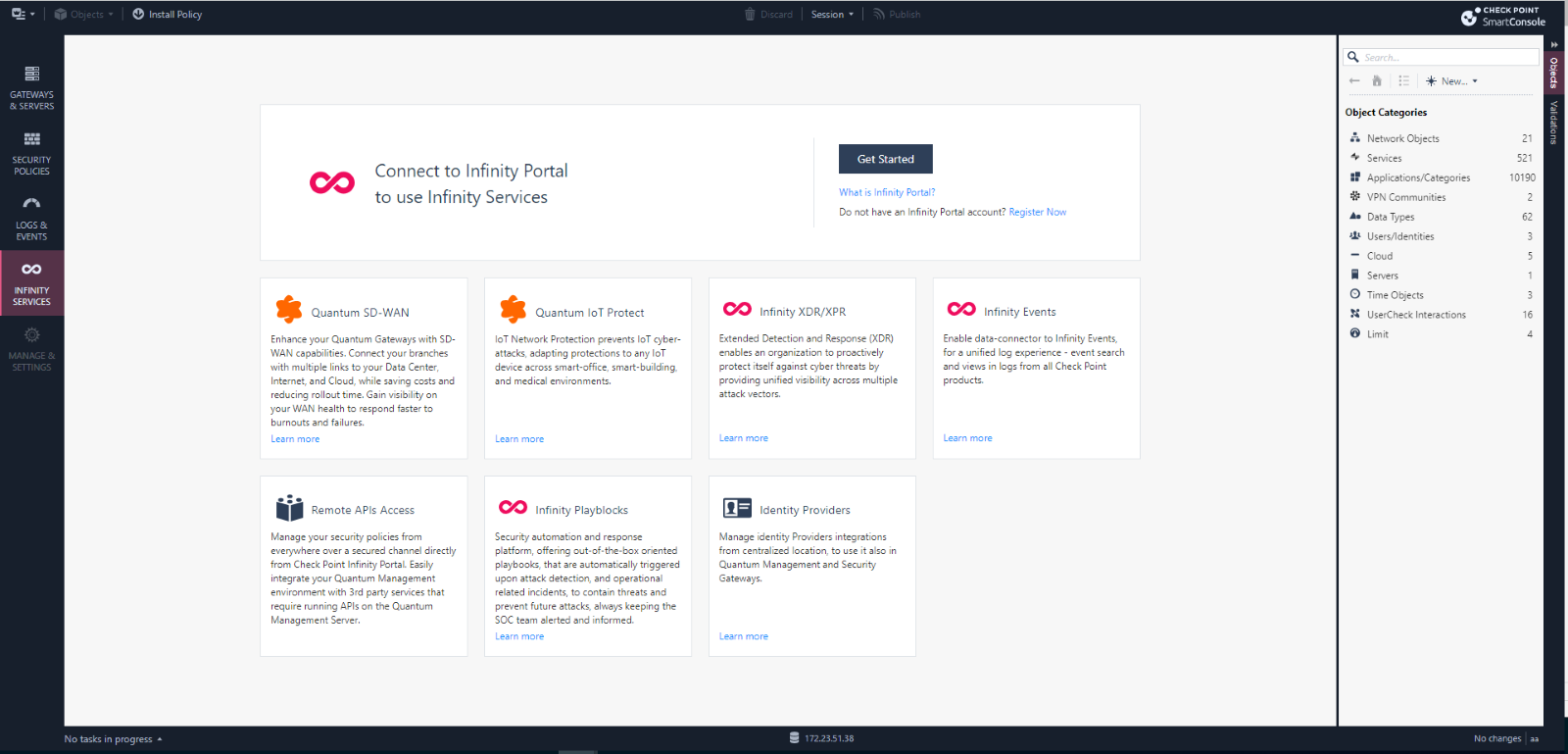
In the SmartConsole, navigate to the Infinity Services menu, and click Get Started.
-
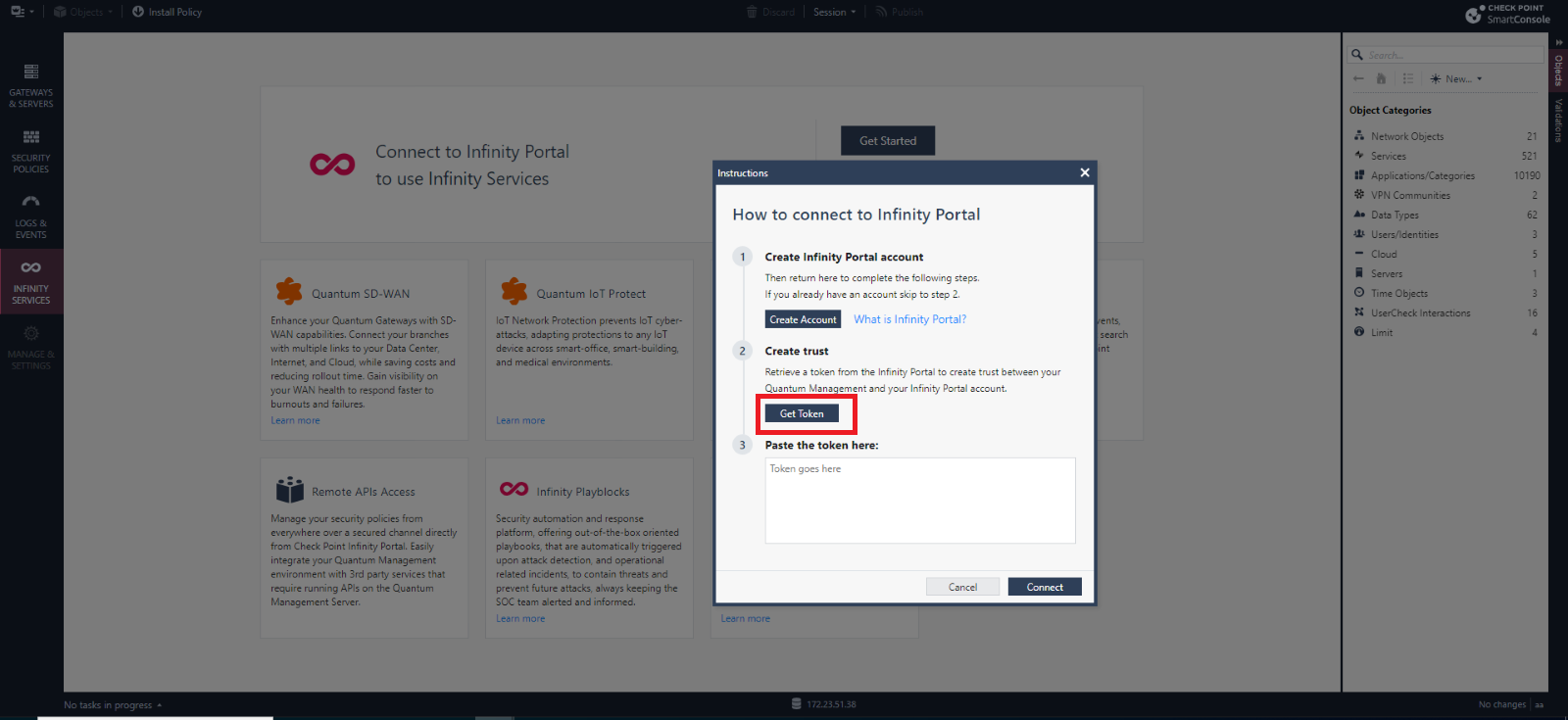
In the Instructions window, click Get Token.
-
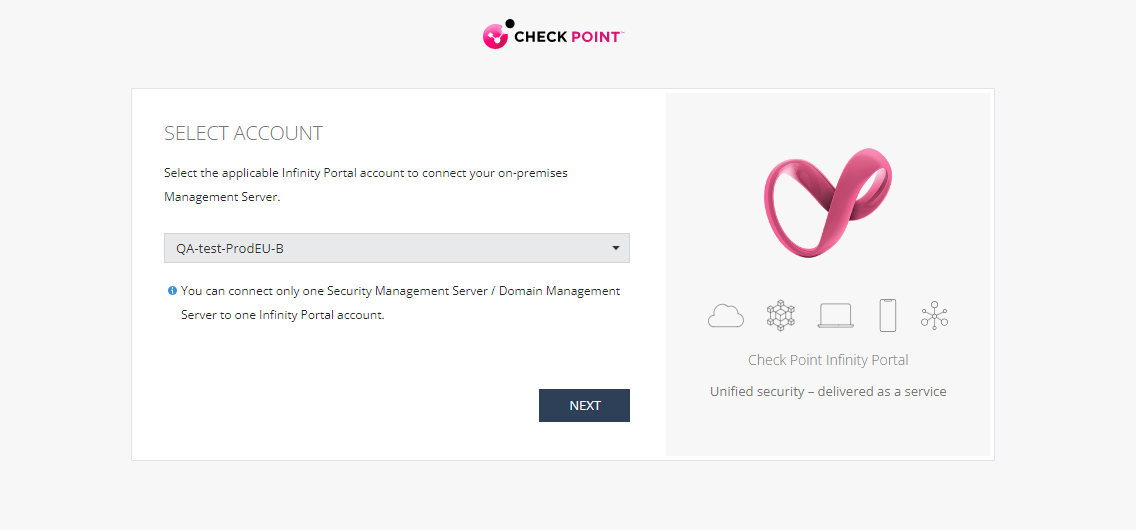
Select the registered account and click Next.
-
Accept the terms of service and click Next.
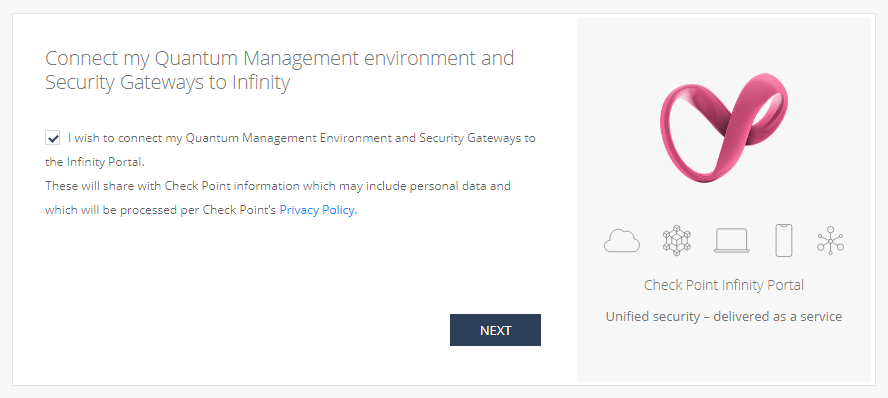
-
Click Copy Token.
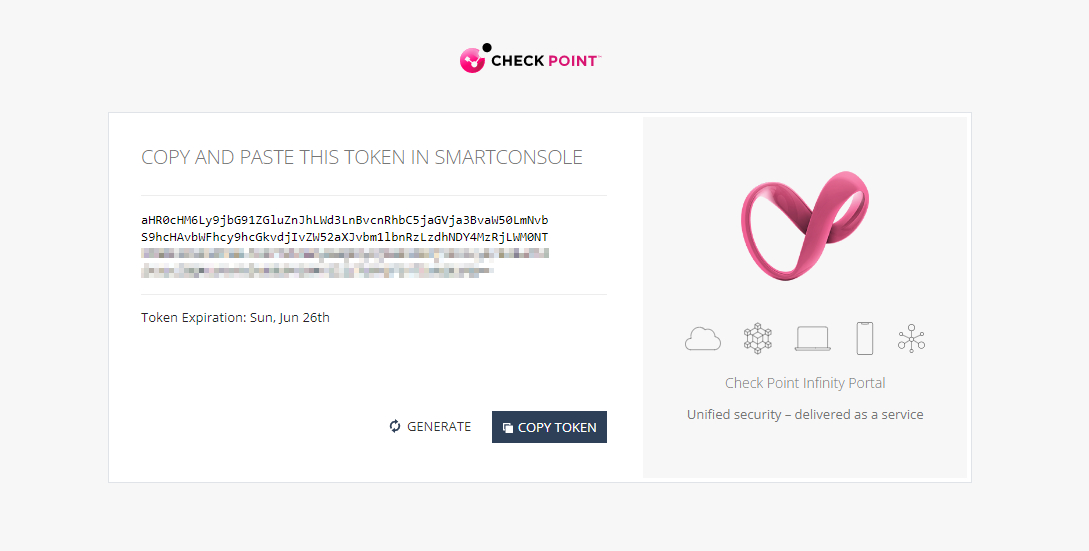
-
In the Instructions window, paste the token and click Connect.
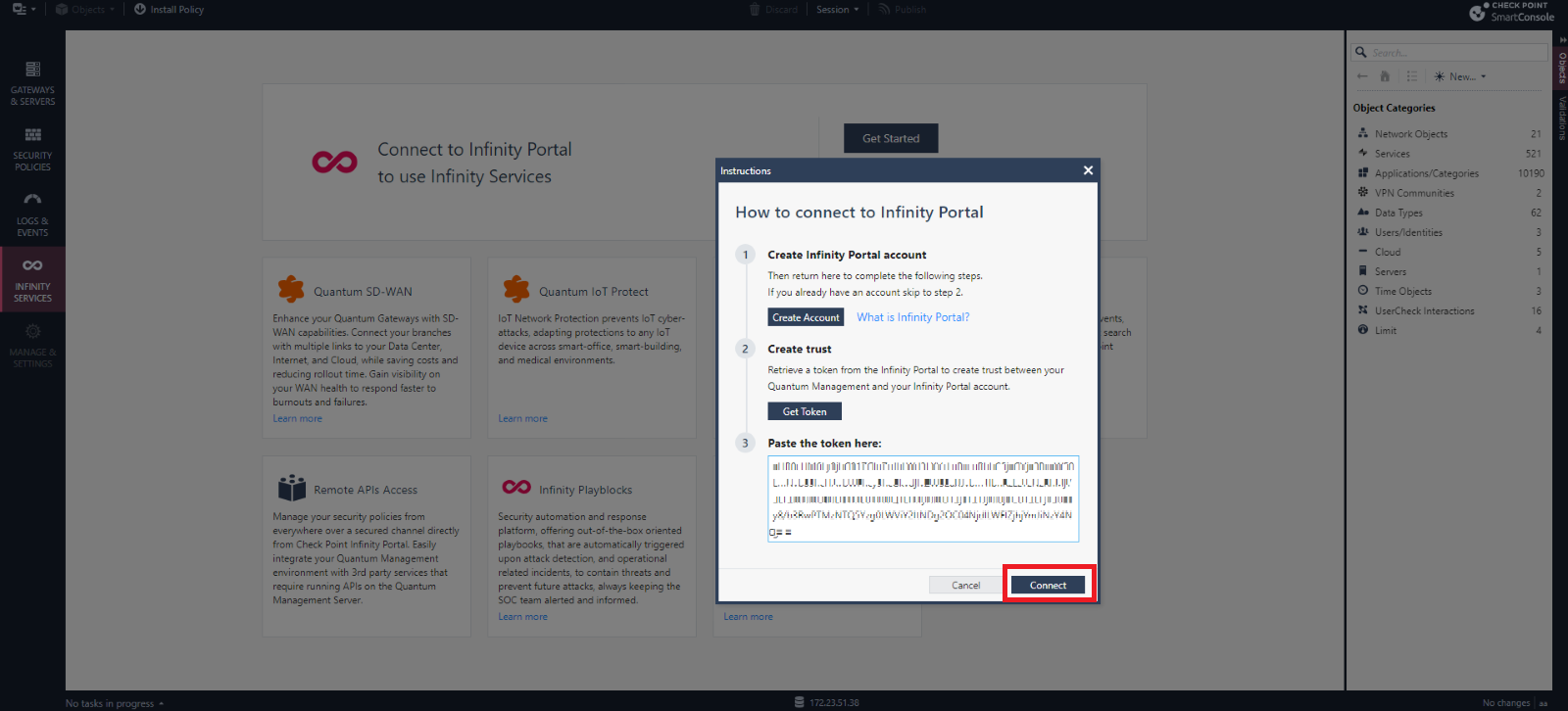
When the SmartConsole connects to the Check Point Portal, the Connectivity Status changes to Active.
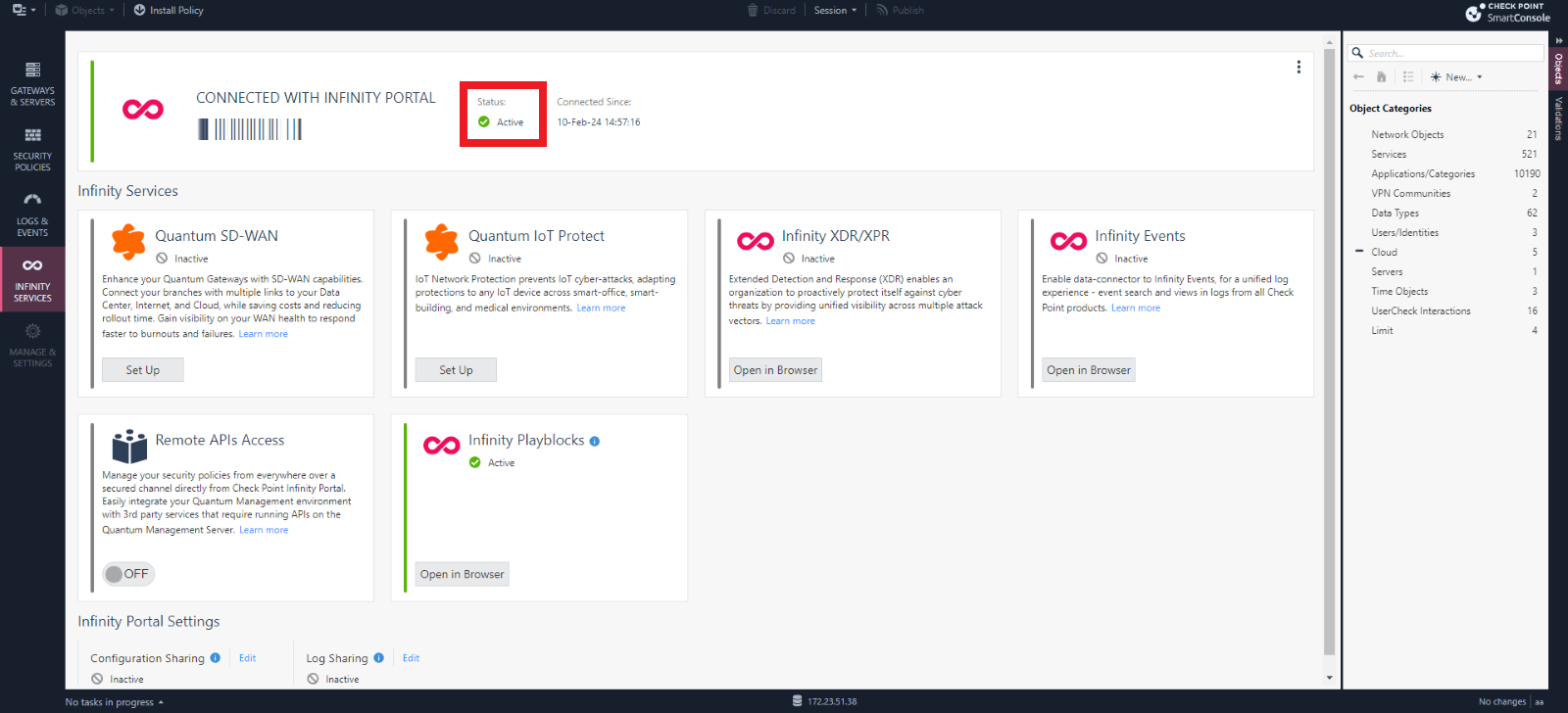
-
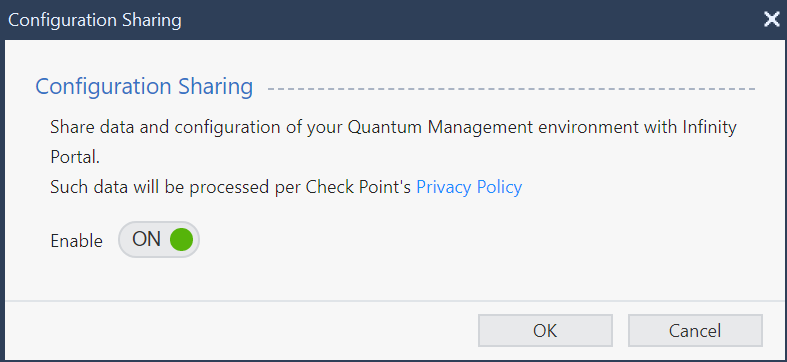
Go to the Data Sharing section and click Edit for Configuration Sharing.
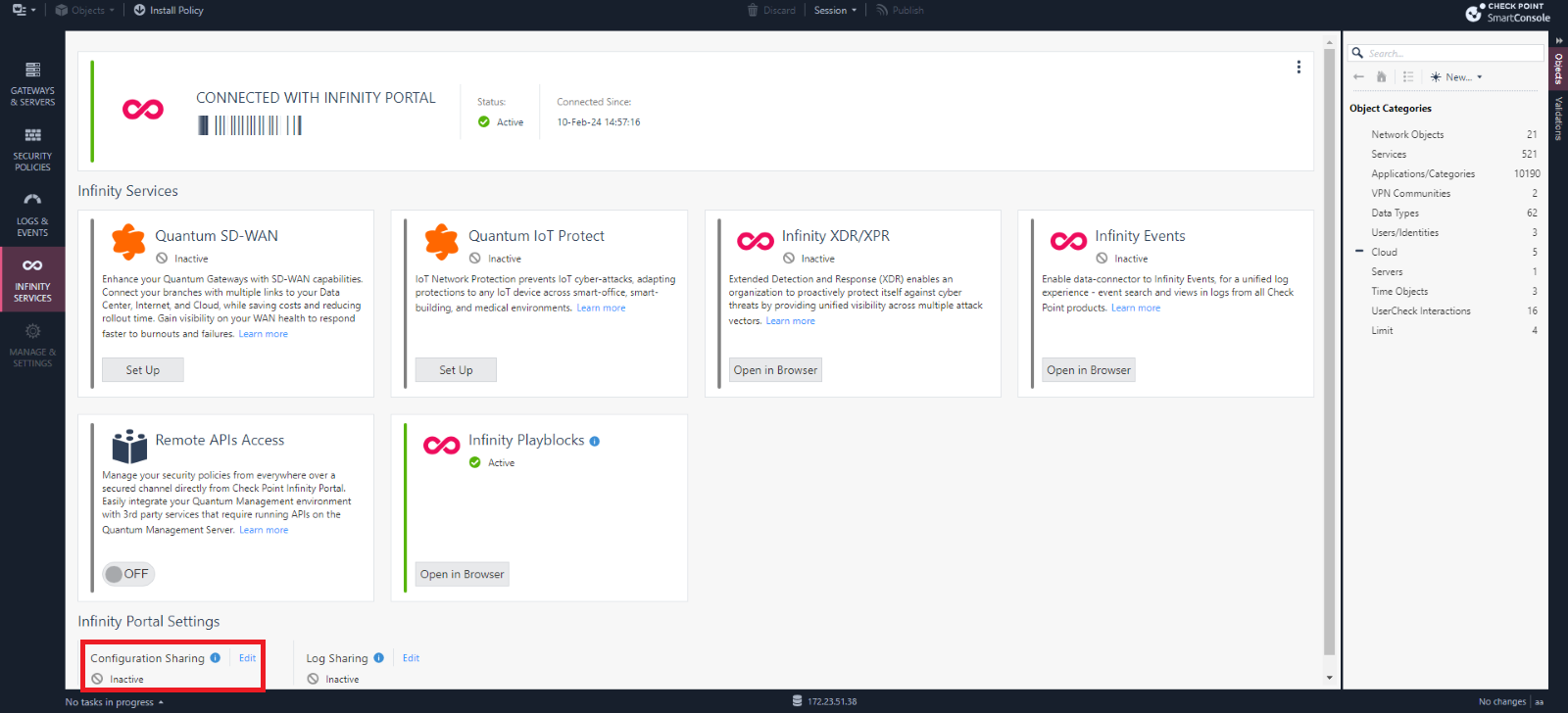
The Configuration Sharing pop-up appears.