
Accessing the Playblocks Administrator Portal
This task explains how to access the Playblocks Administrator Portal through the Check Point Portal. Follow the steps to sign in and open the Playblocks interface.
-
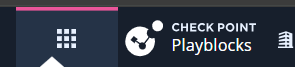
Click the Menu icon in the top left corner.
-
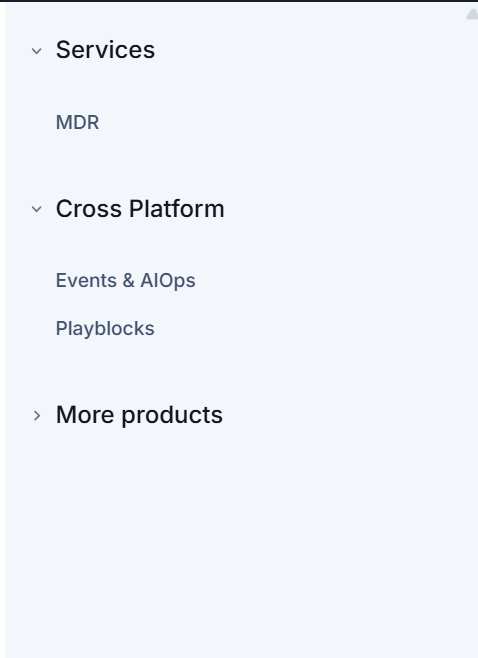
In the Cross Platform section, click Playblocks.
-
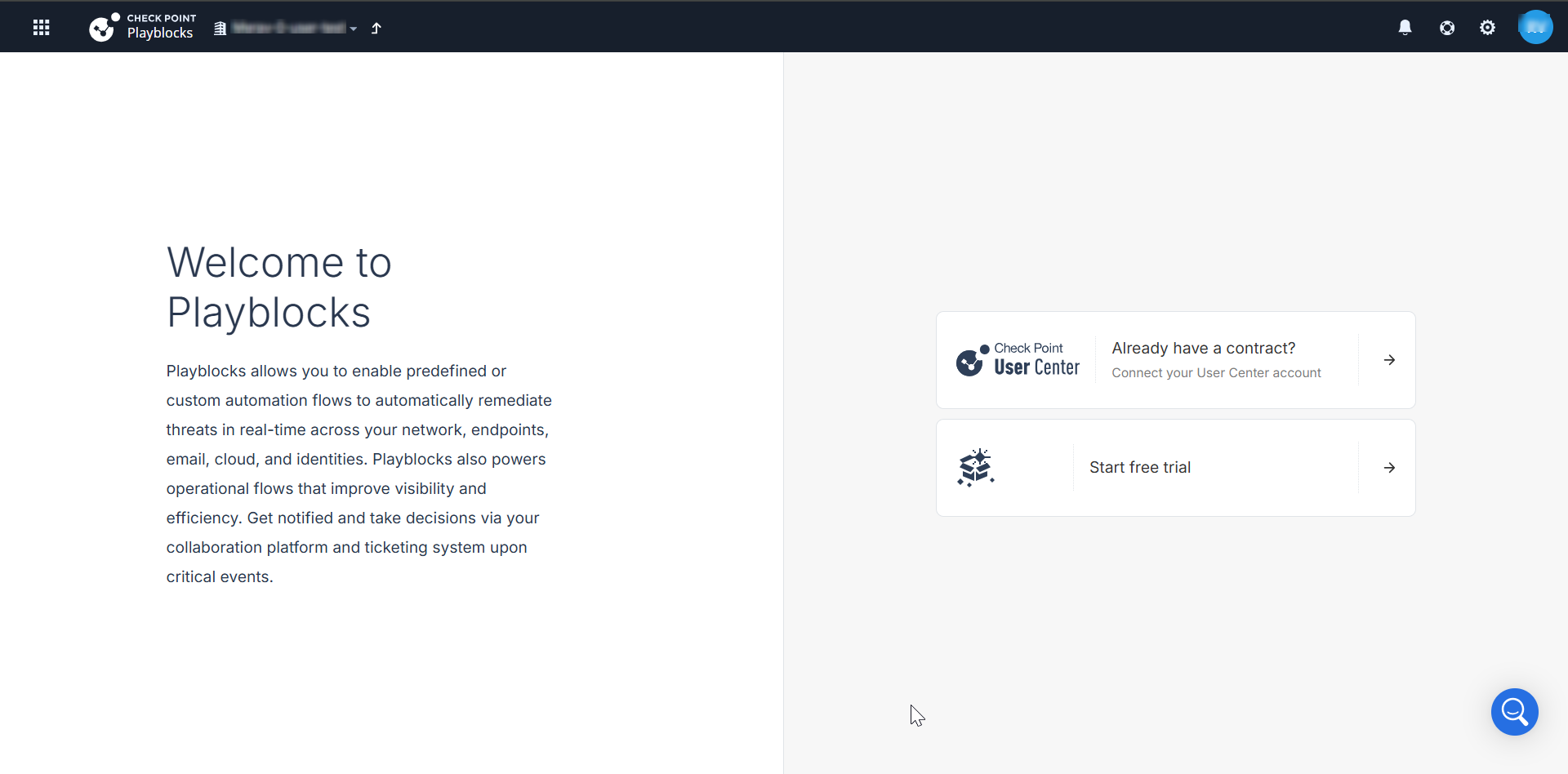
If you are accessing the portal for the first time, do one of these.
-
If you already have a Check Point contract, click Already have a contract to attach the contract to the product. For more information, see Associated Accounts in Check Point Portal.
-
If you want to trial the product, click Start free trial.
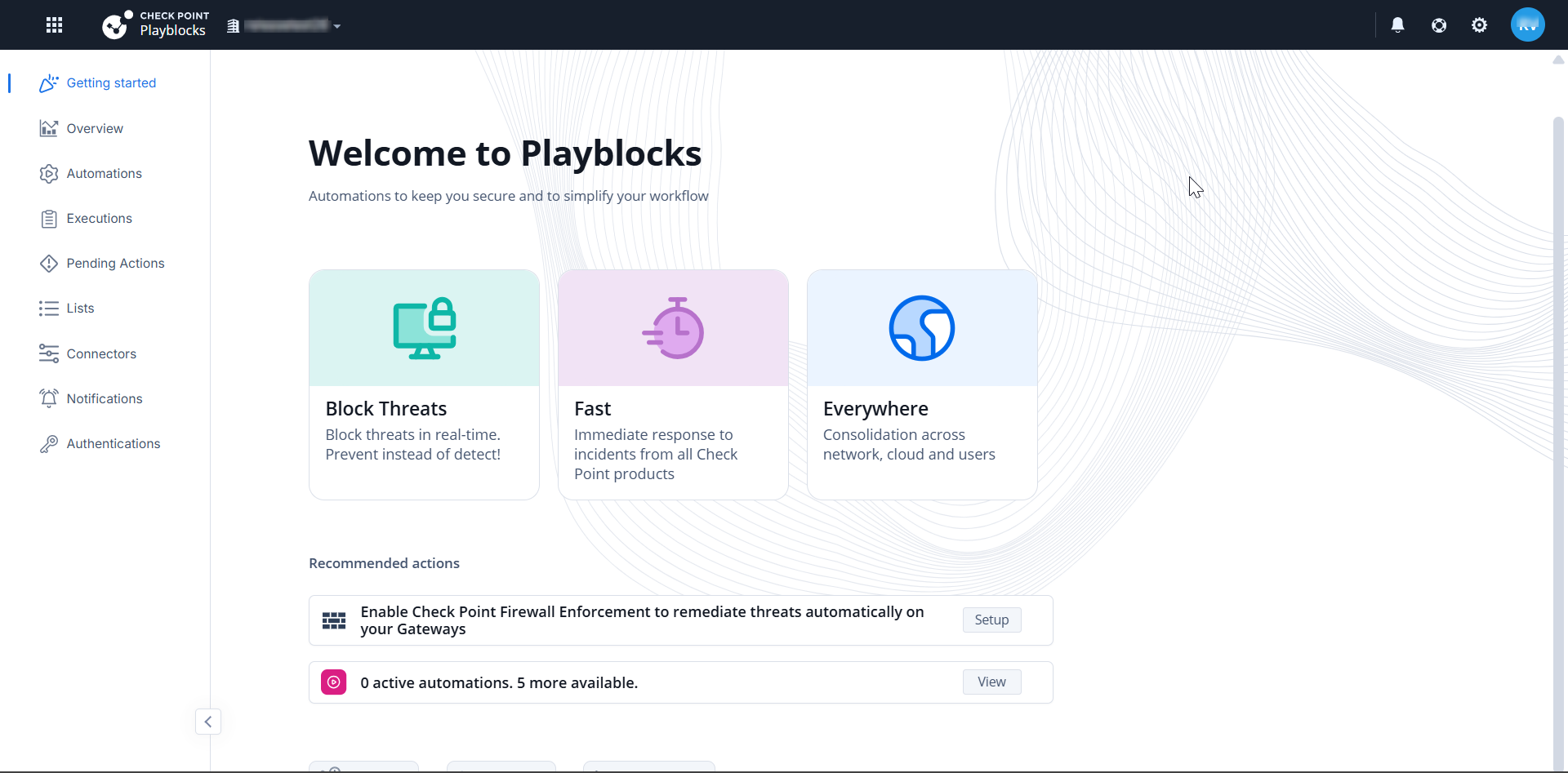
If you have already attached the contract with the product, the Overview page appears.
-