Step 2: Updating Inbound Gateway
-
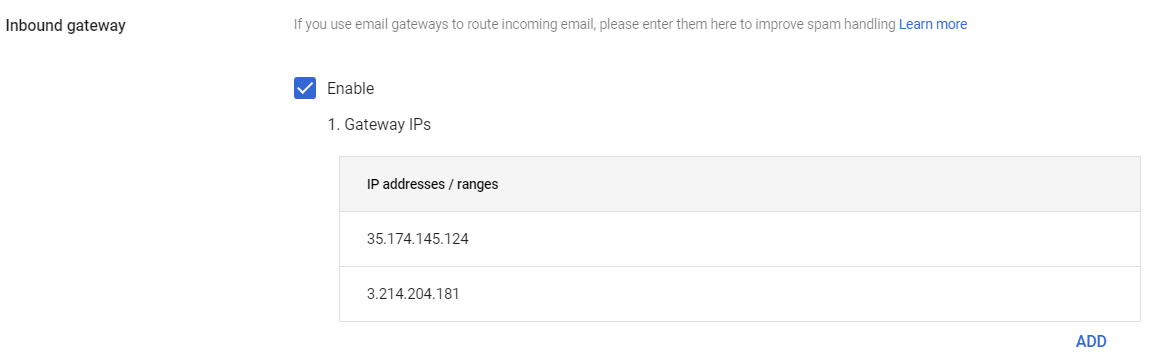
Select Enable and under Gateway IPs, click Add and enter the IP address or IP address range relevant to your Avanan tenant (account) region.
For the list of supported IP addresses, see IP Addresses Supported Per Region.