Customizing the From address for Email Notifications
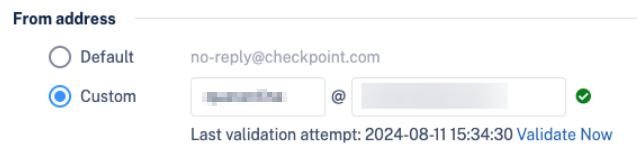
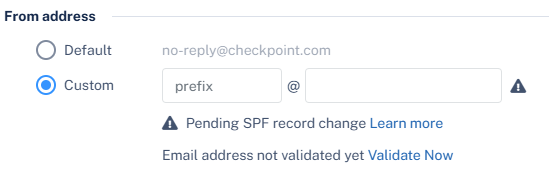
To use a custom From address for email notifications sent to end users:
Note:
Avanan continues to send email notifications from the default email address until the include statement is validated in the custom domain's DNS configuration.
Once the include statement is successfully validated, the system displays the validation status along with the date and time of the last validation check.