Previewing Email Attachments
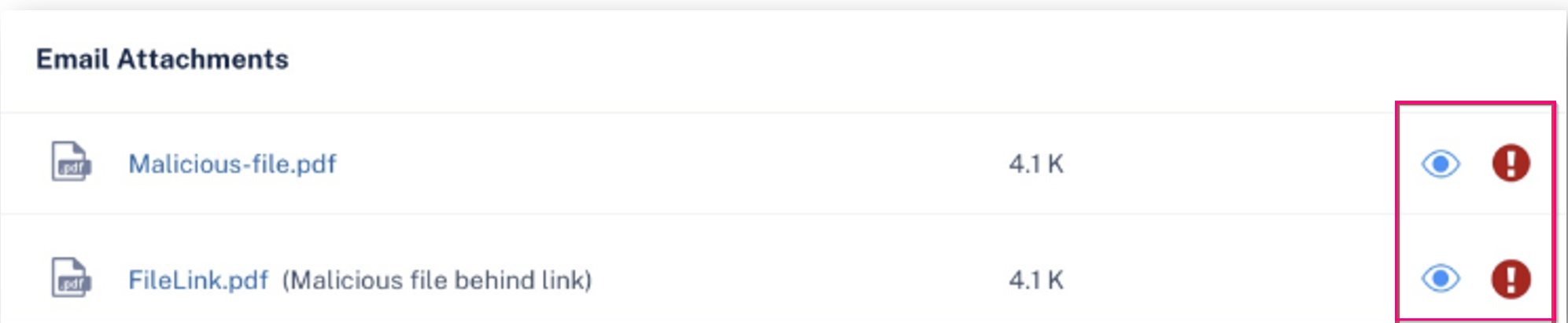
You can preview email attachments associated with a security event in a secured browser. This allows you to safely inspect attachment content without downloading or opening the files.
-
Scroll down to the Email Attachments section.