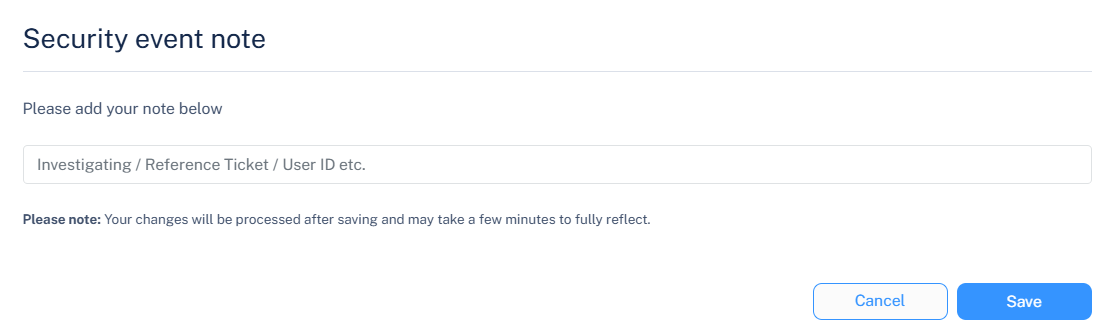
Adding a Note to a Security Event
To add a note to a security event:
-
In the Events table, click the
 icon next to the Notes tab for the event you want to add note.
-
In the Security events note pop-up, enter the required details.