Authorizing Login Access for the Organization

Avanan allows users to log in to the End User Portal (Avanan Portal) with Microsoft/Google credentials. To enable this option, the administrator must authorize the login for the entire organization by granting the necessary permissions.

To authorize Microsoft/Google login permissions:

  1. Access the Avanan Portal using or https://email-security-portal.avanan.net.
  2. To allow end users to sign in using Microsoft credentials, select Sign in with Microsoft.
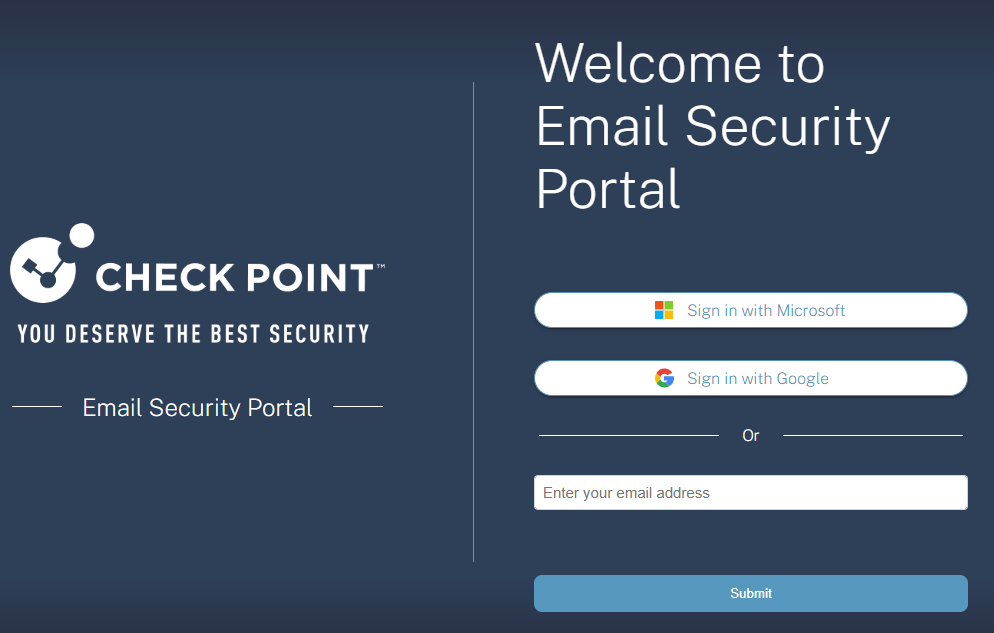
  3. To allow end users to sign in using Google credentials, select Sign in with Google.
  4. Enter the admin credentials.

    The Permissions requested pop-up appears for End User Portal HEC - prod application and requests for the necessary permissions. See Required Permissions for Microsoft/Google Login Authorization.

  5. To allow end users to sign in using Microsoft/Google credentials, select the Consent on behalf of your organization checkbox.
  6. Click Accept.

    End users can now sign in to the Avanan Portal using the organization's Microsoft/Google credentials.