
To enable the Harmony Email Collaboration portal for end users
-
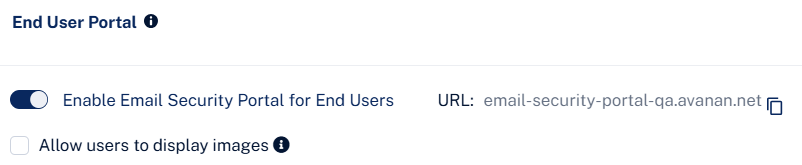
In the End User Portal section, select the Enable Avanan Portal for End Users toggle button.
-
To allow end users to view images in the quarantined emails in the End User Portal, select the Allow users to display images checkbox.
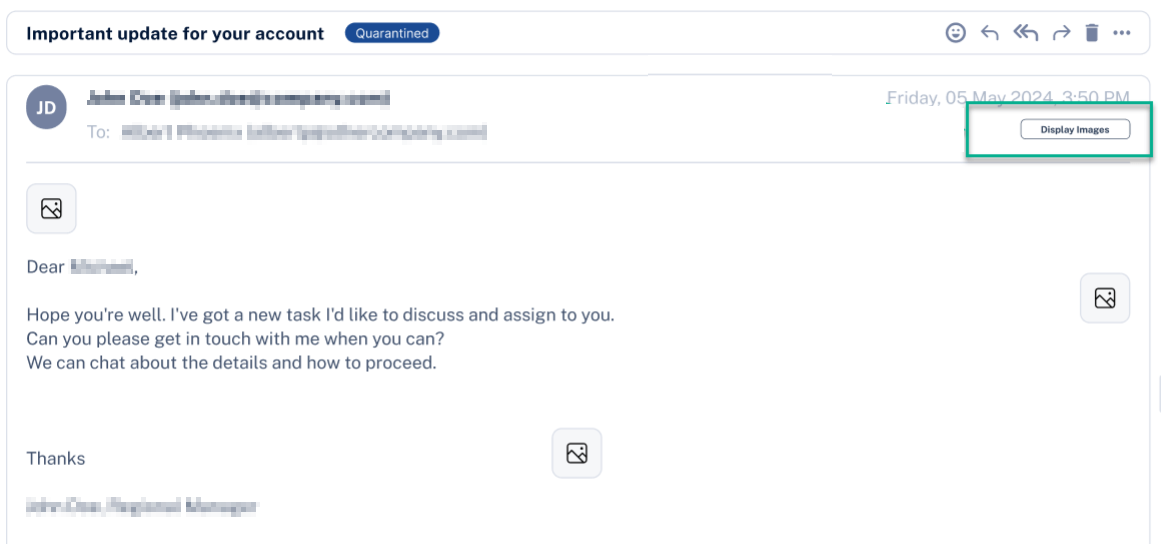
End users can now see the Display Images button when they preview quarantined emails in the End User Portal.
After enabling the Avanan Portal, all the end users can access it from this link: https://email-security-portal.avanan.net.
To limit access to specific users, see Limiting End User Portal Access to Specific Users.