Customizing Attachment Cleaning (Threat Extraction) Message
To customize Threat extracted message format:
-
Configure the desired format for the threat extracted message.
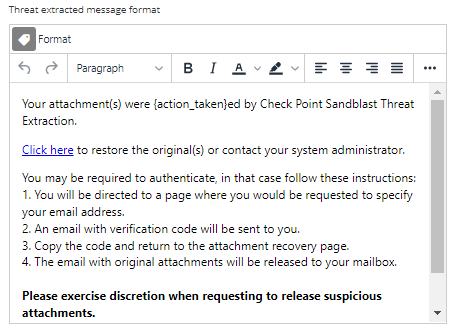

To customize Threat extracted message format: