
Customizing End-User Experience
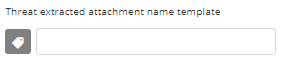
Customizing Attachment Cleaning ( Threat Extraction ) Attachment Name
To customize Attachment Cleaning (Threat Extraction) attachment name:
-
Enter the desired attachment name.
 Note:
Note:By default, threat_extracted_{original_name} is the configured name.