
Support Options
Customizing Support Options
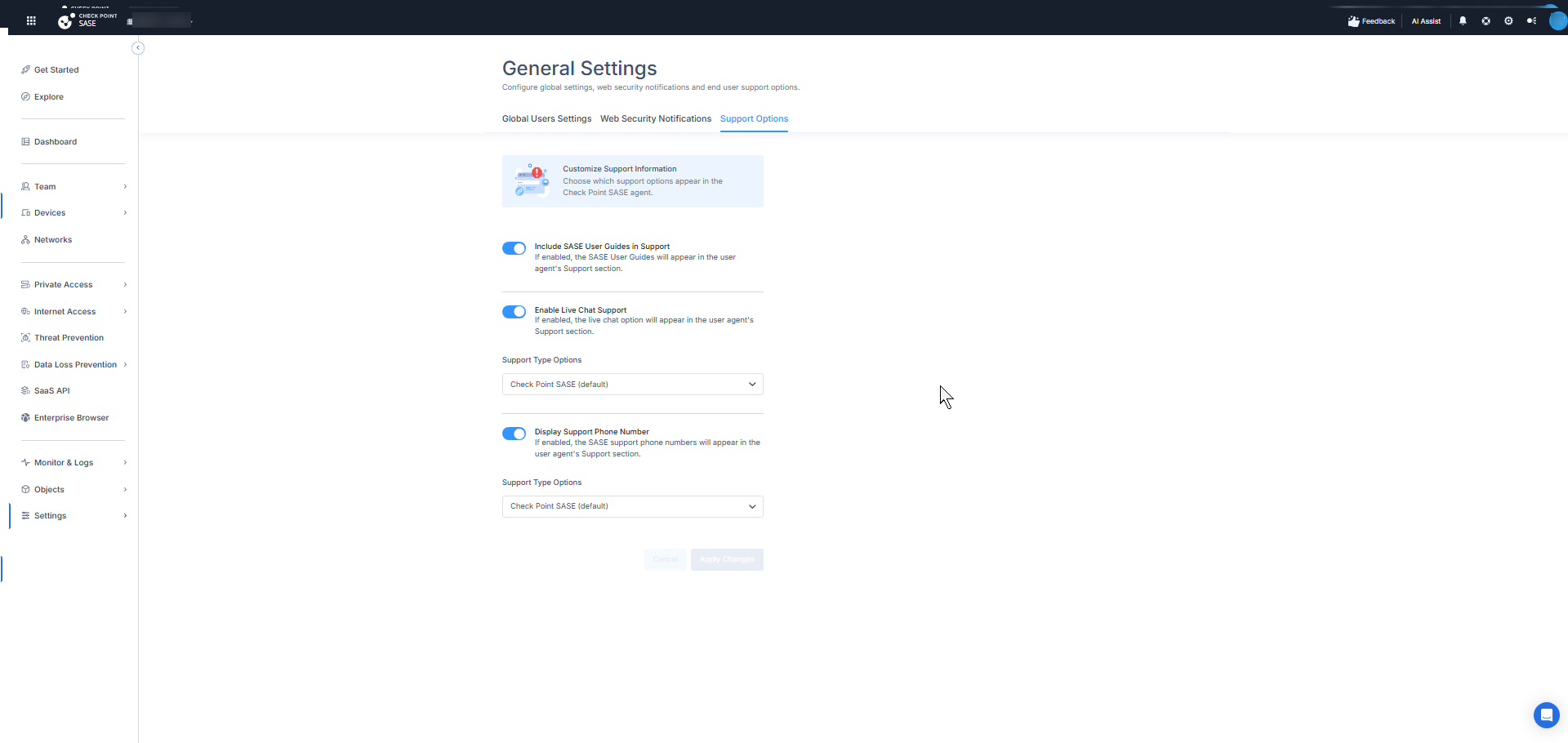
The Support Options tab controls what end users see in the Support section of the SASE agent.
User Guide
To show or hide the user guide in the agent's Support section, turn the User Guide toggle on or off. When disabled, the User Guide card does not appear in the agent, and end users cannot open the user guide from the agent.
Live Chat
-
To show the Live Chat option in the agent's Support section, turn on the Enable Live Chat Support toggle. To hide it, turn the toggle off.
-
From the Support Type Options list, select:
-
Check Point SASE (default) - End users are directed to the standard SASE live chat for their region (same behavior as before).
-
Customize - In the Link to Live Chat Support field, enter a valid URL for your live chat service. End users who click Live Chat in the agent are directed to this URL.
-
-
Click Apply.
Support Phone Numbers
-
To show support phone numbers at the bottom of the agent's Support section, turn on the Phone Numbers in Support toggle. To hide all phone numbers, turn the toggle off.
-
From the Support Type Options list, select:
-
Check Point SASE (default) - The standard regional support phone numbers are shown (same behavior as before).
-
Customize - Define up to three phone number entries with these fields:
Item
Description
Title
A short label for the phone entry, for example, "Support EU" or "France".
3 to 18 characters, without symbols. Leading and trailing spaces are trimmed.
The label is shown to end users as entered.
Phone Number
The phone number in a standard international or domestic format.
For example: +1 234 567 8901, +44 20 7946 0958, 123-456-7890, (123) 456-7890.
-
-
Click Apply.