
Enabling or Disabling Firewall Logs
-
For the network you want to enable or disable blocked firewall logs, from the Logs list, select one of these:
Enable - On
Disable - Off

Note:-
To enable firewall logs, contact Check Point Support.
-
To view the logged events, do either of these:
-
Go to Monitor & Logs > Unified Log View.
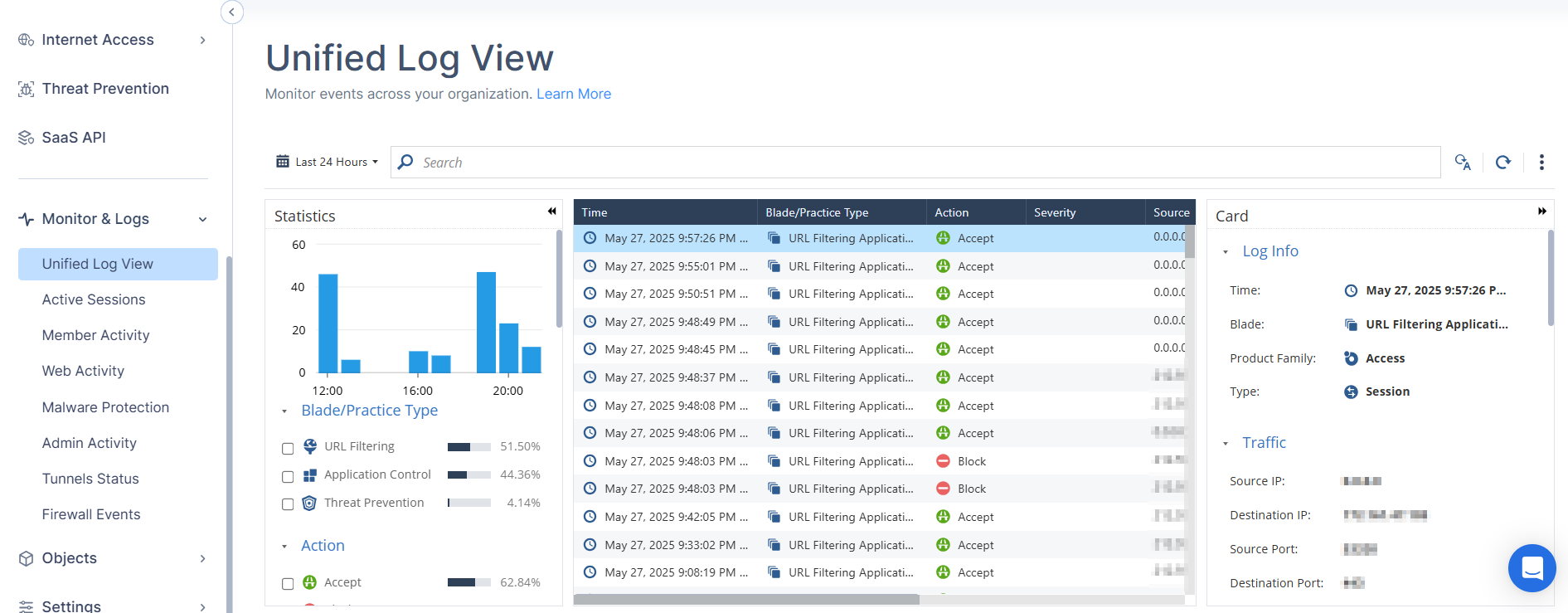
-
Access the Infinity Events Administrator Portal, and click Logs.
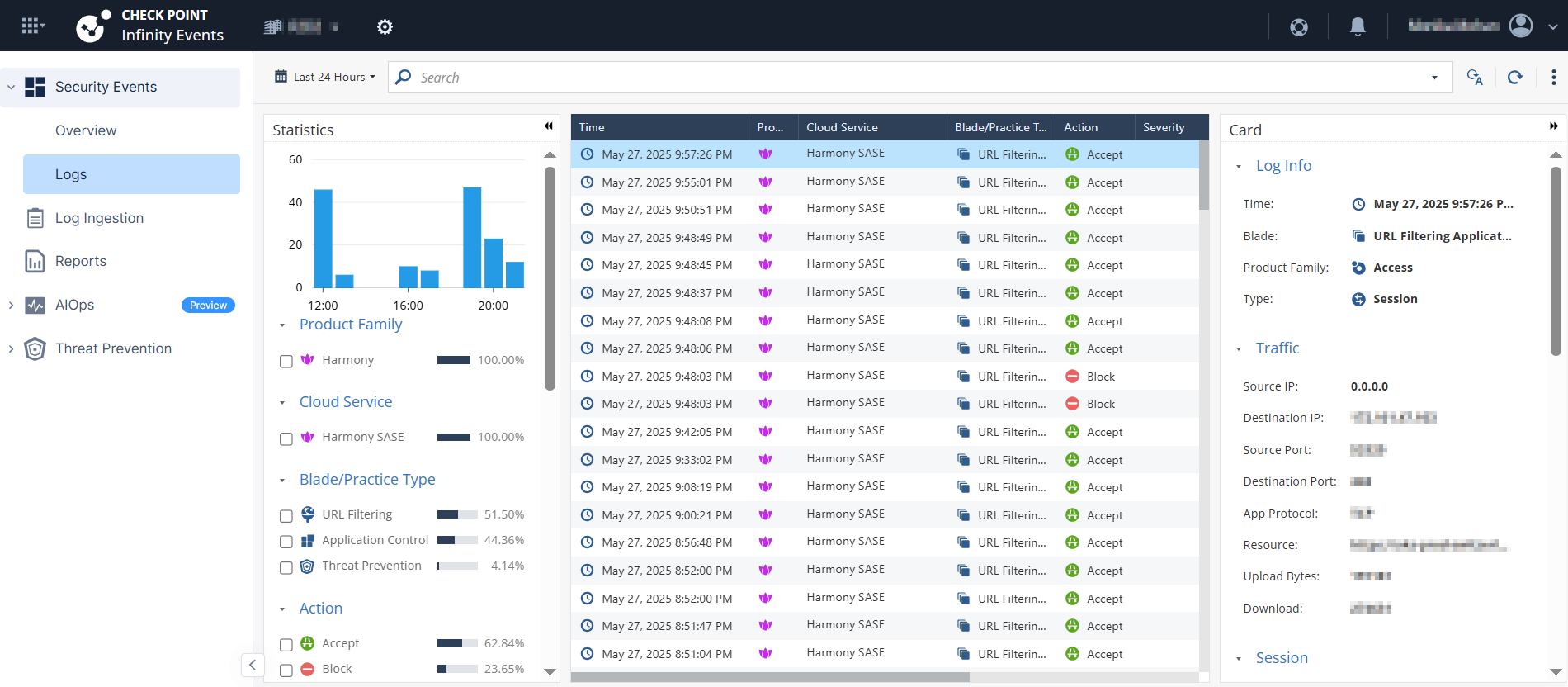
-