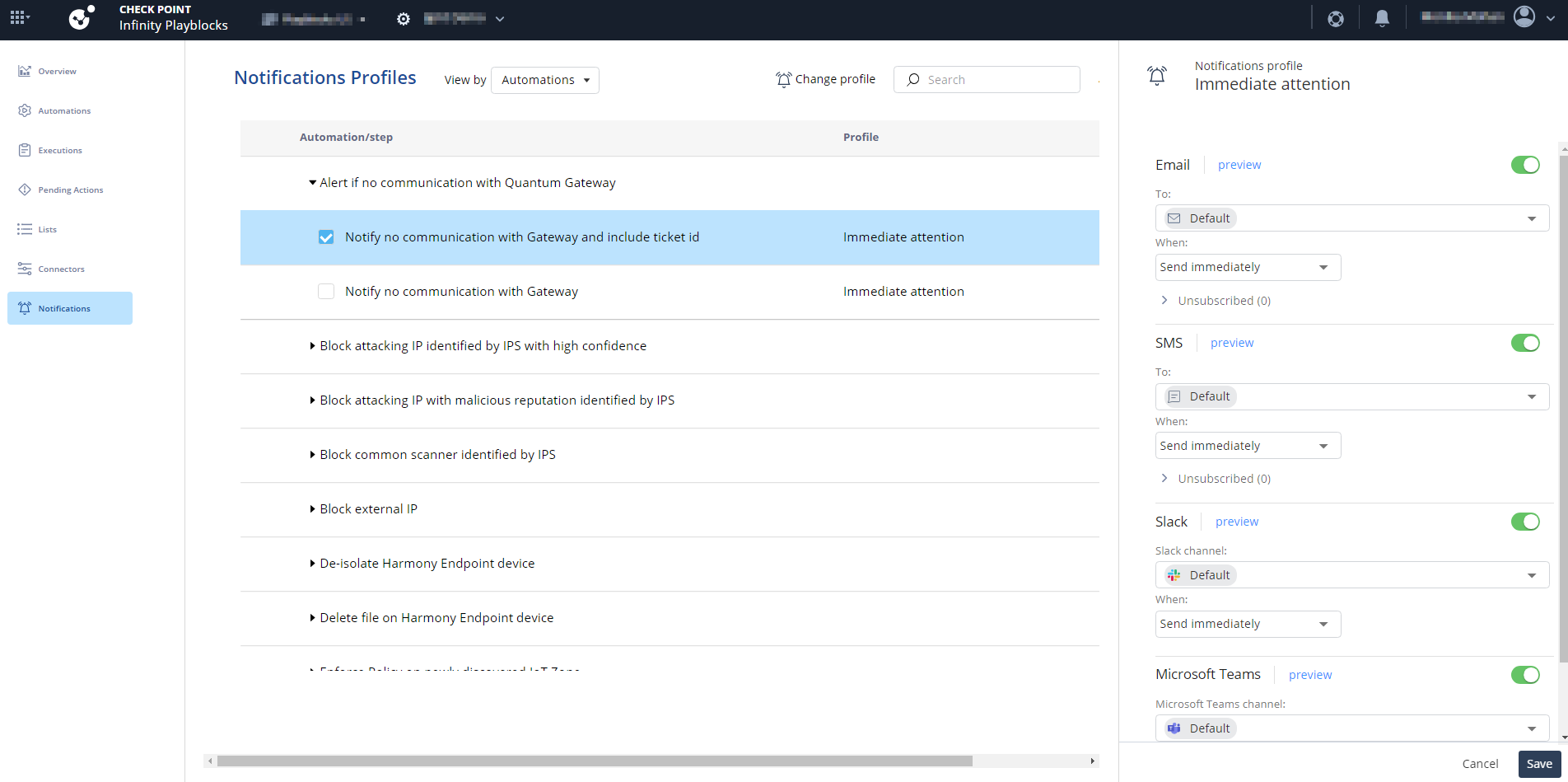
From the When list, select the frequency to send the notification.
Note:
You cannot change Send immediately to any other frequency in the Immediate attention profile.
To preview the notification, click Preview.
The Report Preview window appears.
To remove a user from the group, expand the Unsubscribe section.
Click .
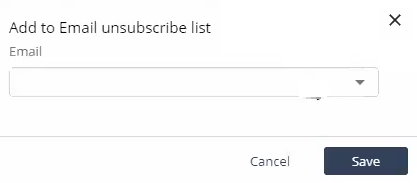
The Add to unsubscribe list window appears.
From the list, select recipients to unsubscribe.
Click Save.
Note:
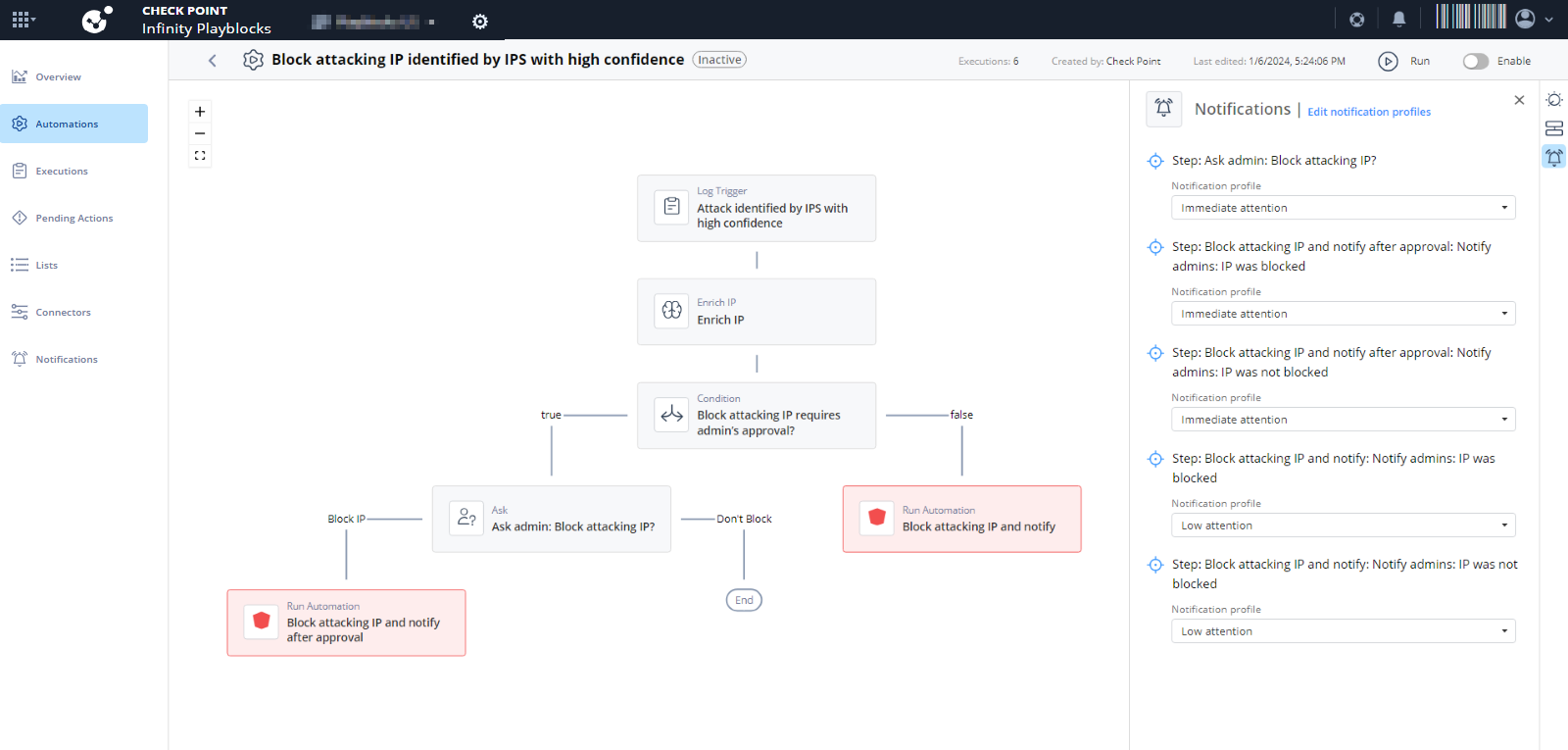
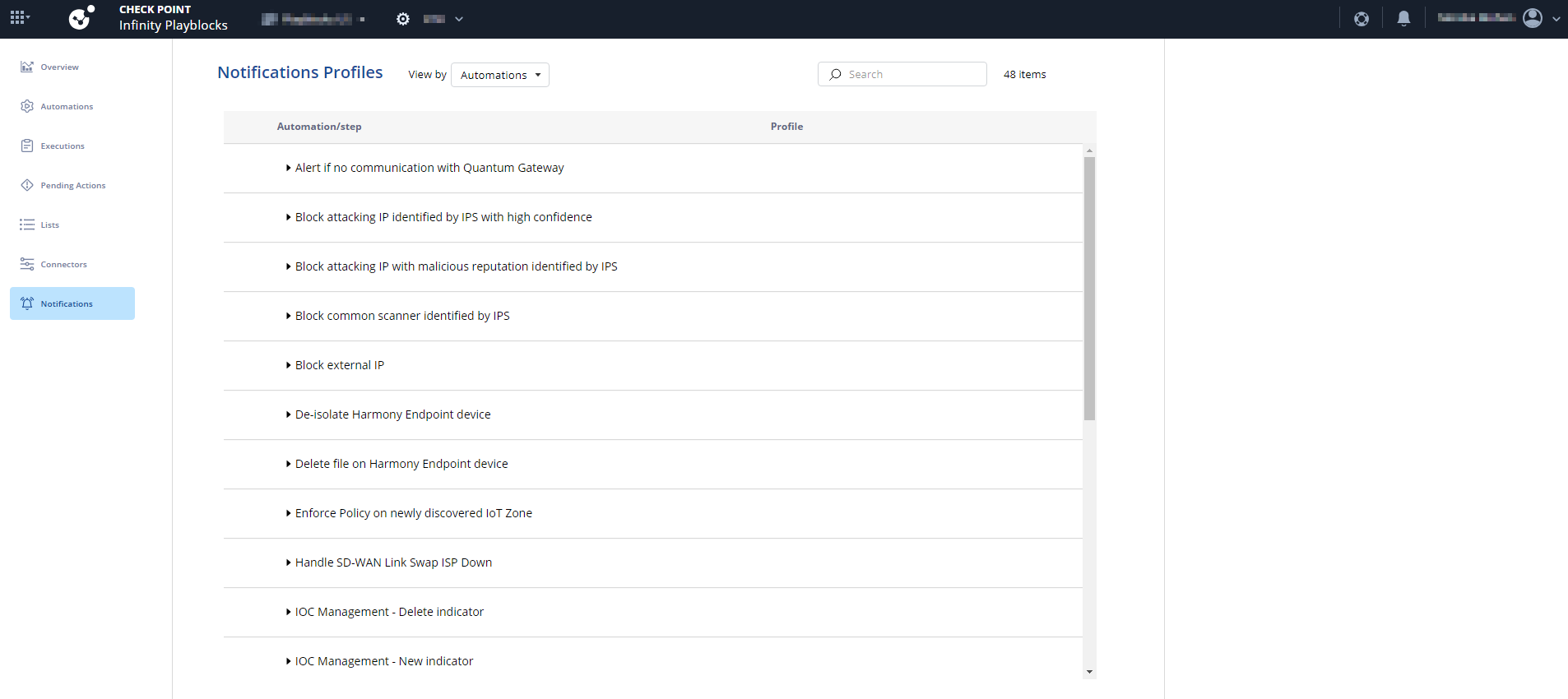
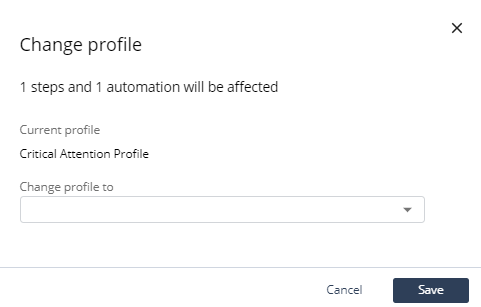
You can also edit the notifications profile for each automation step in the Automations page. For more information, see Automation Parameters and Flowchart


 .
.