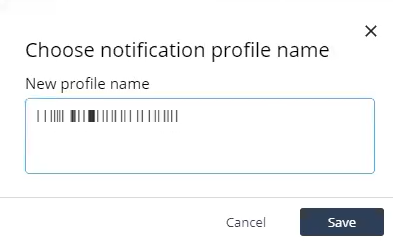
Cloning a Notification Profile Access Playblocks and click Notifications. Select the notification profile you want to clone. Click Clone. The Choose notification profile name pop-up window appears. In the New profile name field, enter a new profile name. Click Save. Configure channels in the profile.