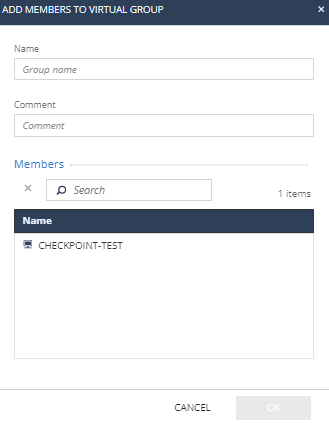
To create and add to virtual group: Access Endpoint Security and click Asset Management. Go to Organization > Organizational Tree and select Virtual Groups. To create and add a group to a virtual group, right-click a group. To create and add a specific device or a user to a virtual group, click the group and right-click the device or user. Select Create and Add to Virtual Group. The Add Members to Virtual Group window appears. In the Name field, enter a group name. (Optional) In the Comment field, enter a comment. In the Members section search box, search and select the member. Click OK. Note: You can also perform this procedure from Asset Management > Organization > Computers.