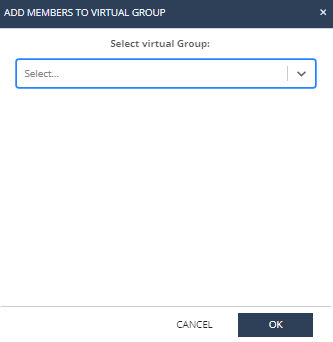
Add items to a virtual group Access Endpoint Security and click Asset Management. Go to Organization > Organizational Tree and select Virtual Groups. To add a group to a virtual group, right-click a group. To add a specific device or a user to a virtual group, click the group and right-click the device or user. Select Add to Virtual Group. The Add Members to Virtual Group window appears. Select the applicable virtual group. Click OK. Note: You can also perform this procedure from Asset Management > Organization > Computers.