
To create a virtual group
-
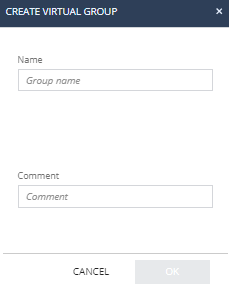
Select Create Virtual Group.
The Create Virtual Group window appears.
-
(Optional) In the Comment field, enter a comment.

Notes:
-
A user or a device can belong to multiple virtual groups.
-
Selecting a certain user or device shows the Active Directory information collected about them.
-
You cannot edit Active Directory groups but you can view their content.
-
You can create a group and then assign the users or devices to the group, or select users or devices first and then create a group from them.
-