
Using the Offline Installation
Note:
This procedure applies only to Windows and macOS-based endpoints.
-
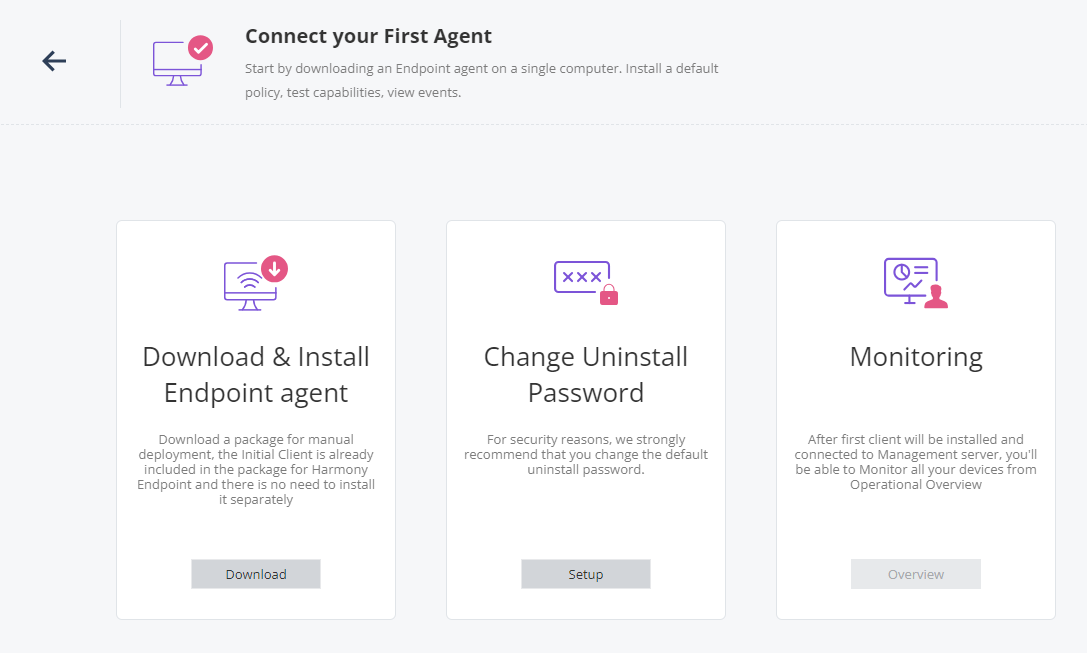
Go to Overview > Getting Started > Let's Start Connect Your First Agent.
-
In the Download & Install Endpoint agent widget, click Download.
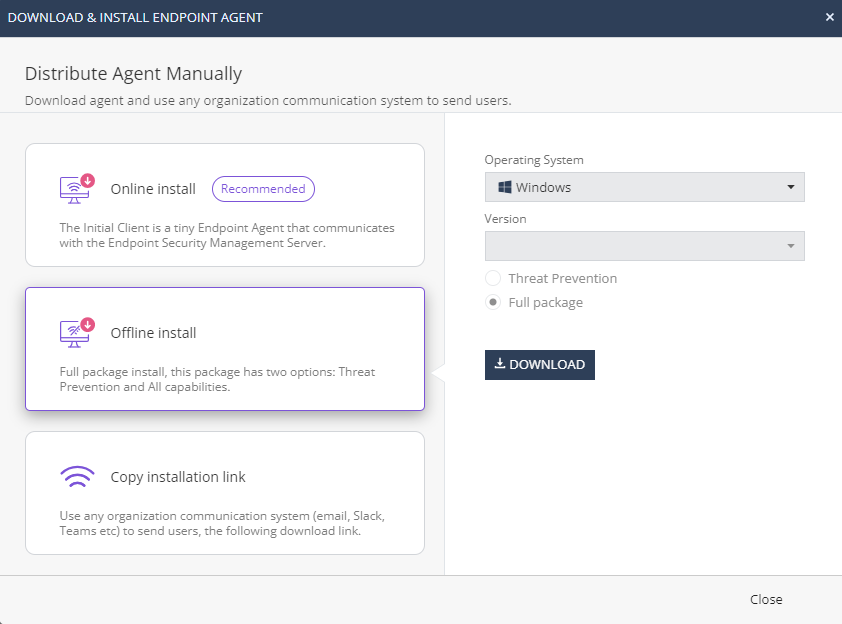
The Download & Install Endpoint Agent window appears.
-
Click Download.
The system prepares the package for download.
-
Once the package is ready for download, click Download.
