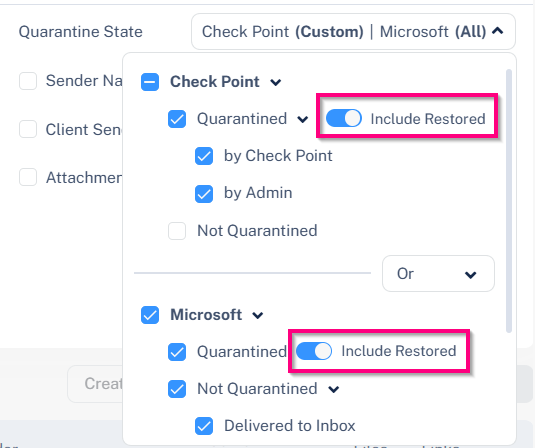
Including Restored Emails in Quarantine State Searches
When you filter emails based on Quarantine State, the selected quarantine state applies only to emails that currently hold that quarantine state.
For example, if you select Quarantined by Avanan, the search results include only emails that are currently quarantined by Avanan. Emails that were restored from quarantine will not be returned in the search results by default.
To include restored emails in the search results:
-
In the Quarantine State section, enable the Include Restored toggle for Avanan and Microsoft.