System Tasks
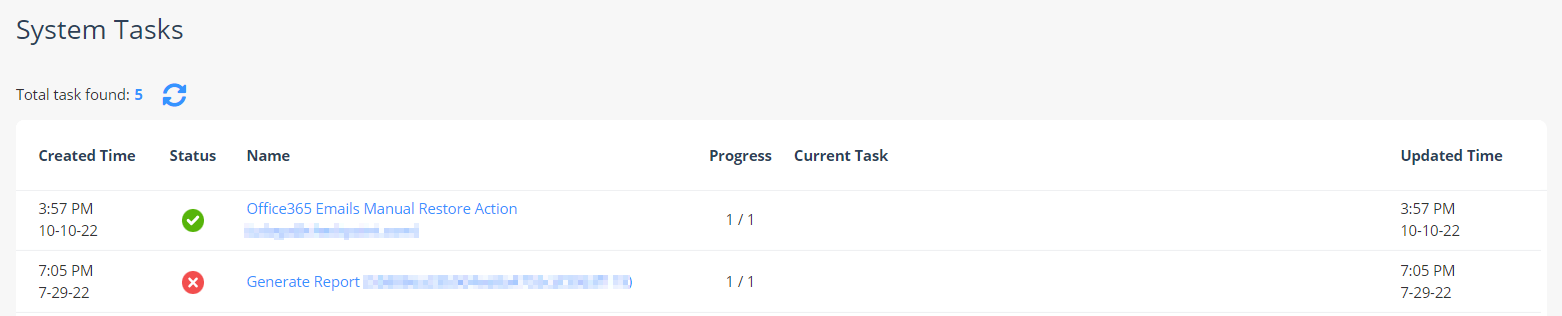
Avanan performs operations that can take a few minutes or even longer. To prevent users from waiting until the operation is complete, Avanan includes a System Tasks screen that shows these long tasks' status.
System Tasks are located under the System Settings menu. You can see all the tasks that were executed with their status.
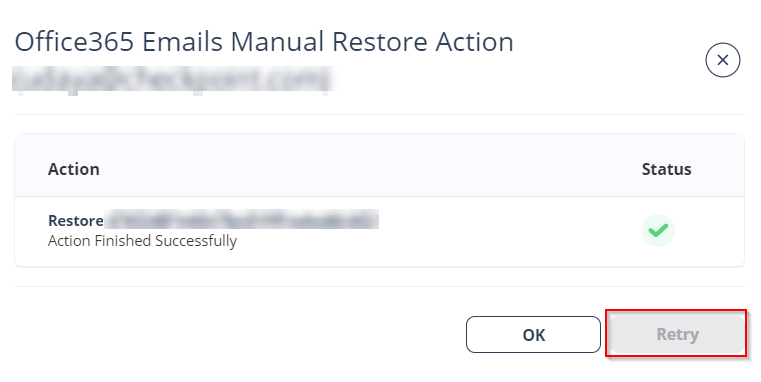
To see the task status, click on the task Name. It opens a status screen that shows all the steps executed. If the task has failed, it shows the error reason. To retry a failed task, click Retry.