System Logs
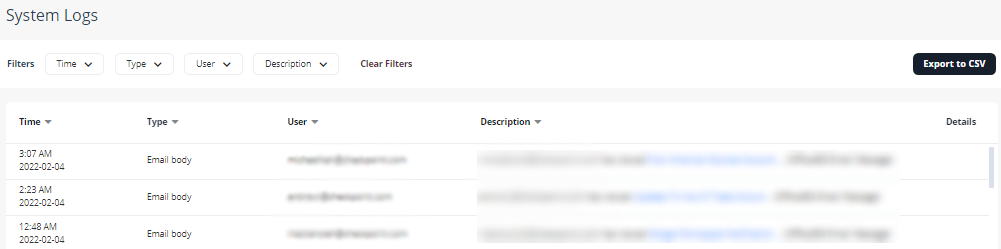
All actions are reported to the System Logs. To see the logs, go to System Settings > System Logs.
You can use Filters to search for the required logs.
To export logs to an excel file, click Export to CSV.
|
|
Notes:
|