Activating Google Drive
To activate Google Drive:
-
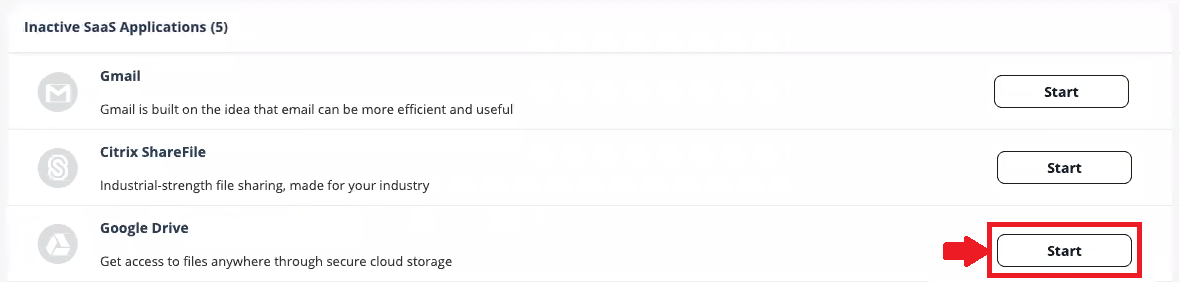
Click Start for Google Drive.
Note:
For more details about automatic configuration on Google Workspace, see Google Workspace Footprint.

To activate Google Drive:
For more details about automatic configuration on Google Workspace, see Google Workspace Footprint.