Step 2: Updating Inbound Check Point Firewall
-
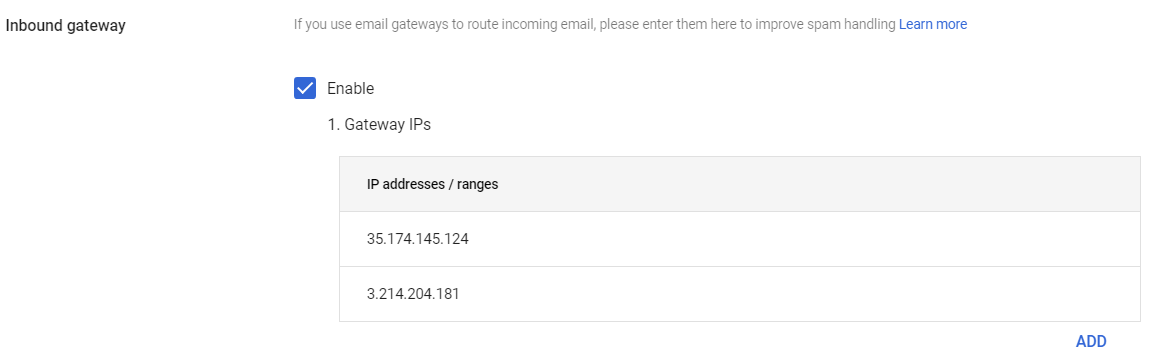
Select Enable and in Gateway IPs, click Add and enter the single IP address or the IP address range relevant to your Avanan tenant (account) region.
For the list of supported IP addresses, see IP Addresses Supported by Region for Gmail Prevent (Inline) Policy.