
Restoring Emails Without Administrator Approval - End-User Experience
-
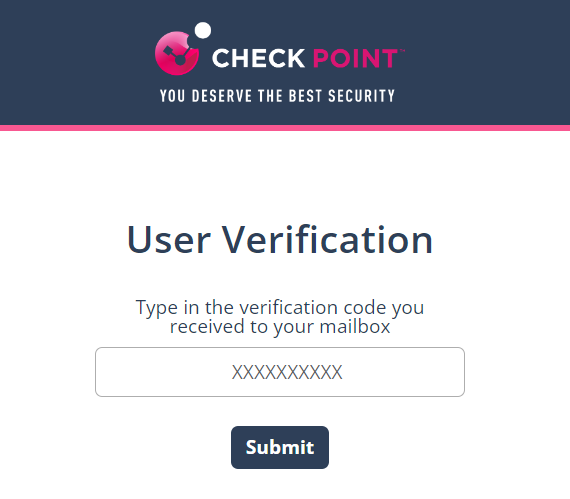
On the User Verification page that appears, do these.
-
Enter the verification code you received and click Submit.
Note:Once authenticated, the user does not need to authenticate again in the same browser for the next 30 days or until the cookies are cleared, whichever is earlier.
-
Enter the verification code you received and click Submit.
-
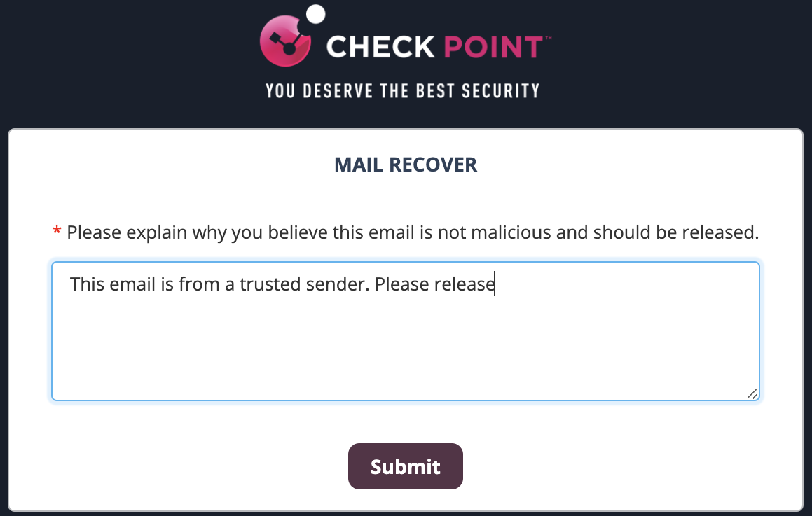
Enter the reason for your request to restore the original email and click Submit.
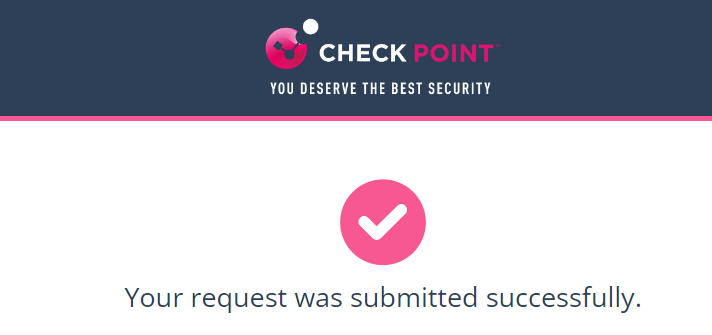
The system shows the request status and the email gets delivered to the mailbox in a couple of minutes.
 Note:
Note:The email received time is the restore time of the email, and not the original email sent time.