
Restoring Quarantined Emails - End-User Experience
After the administrator approves an end-user request to restore an email from quarantine, Avanan performs these actions:
-
Removes the quarantine/clean email notifications received for the quarantined email from the end-user mailbox.
-
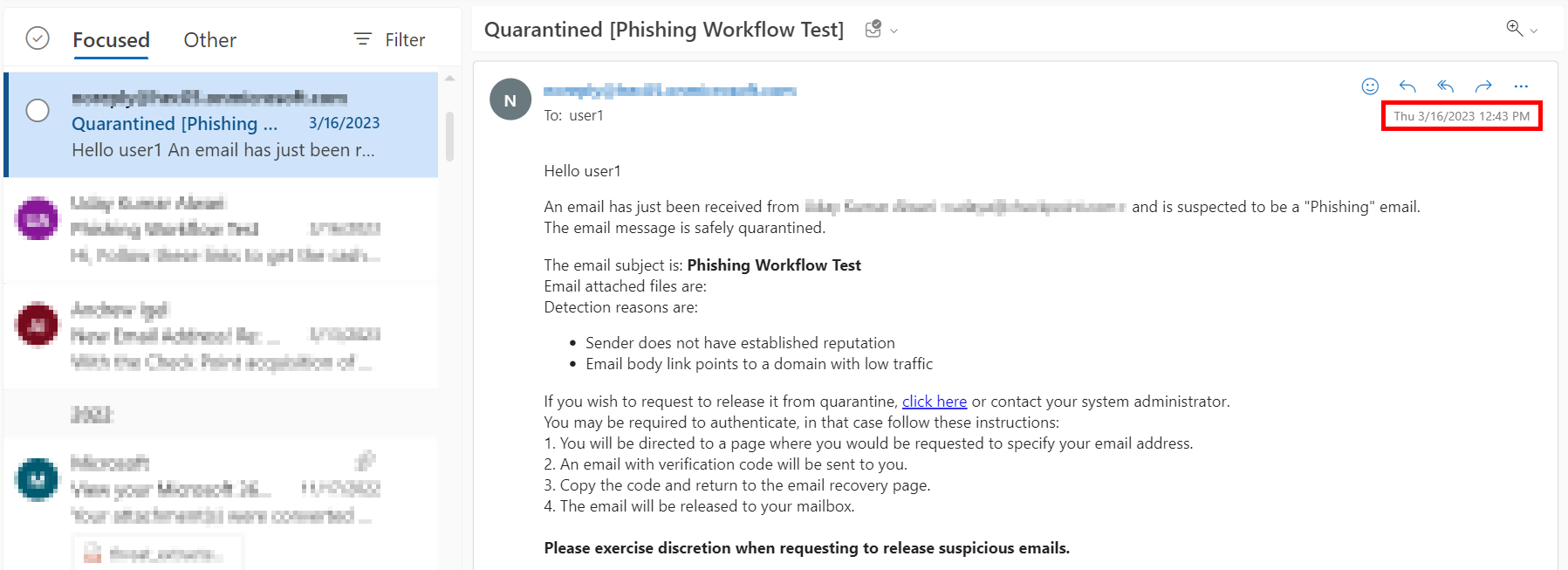
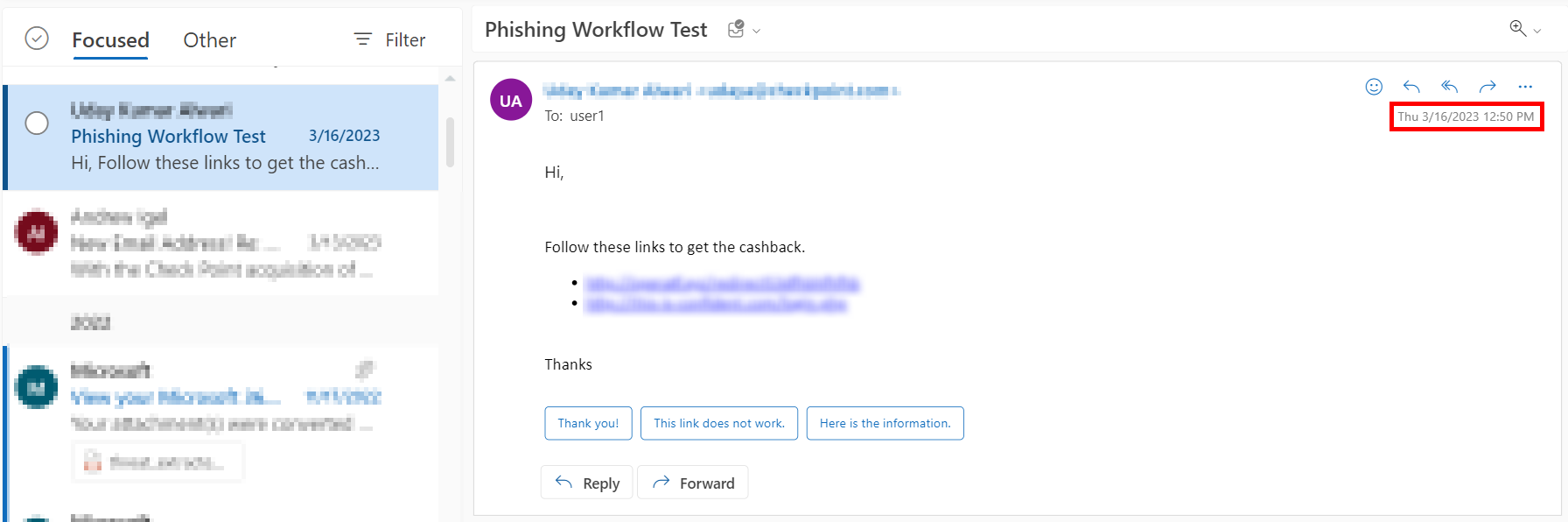
Adds the original email to the end-user mailbox, where the email received time is the restore time of the email from quarantine, but not the original email sent time.
This example shows the initial email received by the end-user.
This example shows the same email received by the end-user after the administrator approved the restore request.
The initial email received by the end-user is removed and the restored email gets delivered as a new email to the end-user mailbox. The email received time is the restore time of the email by the administrator, but not the original email sent time.
Who Receives the Emails Restored from Quarantine
-
Emails quarantined by Avanan:
-
Depending on the configured workflow, Avanan delivers the email only to the requesting user or to all the original recipients.
-
If the user restores the email without administrator approval, Avanan delivers the email only to the requested user.
-
If the administrator releases the email from quarantine, Avanan delivers the email to all the original recipients of the email.
-
-
-
Emails quarantined in Microsoft:
-
Avanan delivers the restored emails to all the original recipients regardless of whether it is restored by the user or the administrator.
-