
Access the Relay Sources Section
To access the relay sources section:
-
Access the Avanan Administrator Portal.
-
From the left navigation panel, go to Security Settings > Relay > Relay Sources.
Relay Sources Table
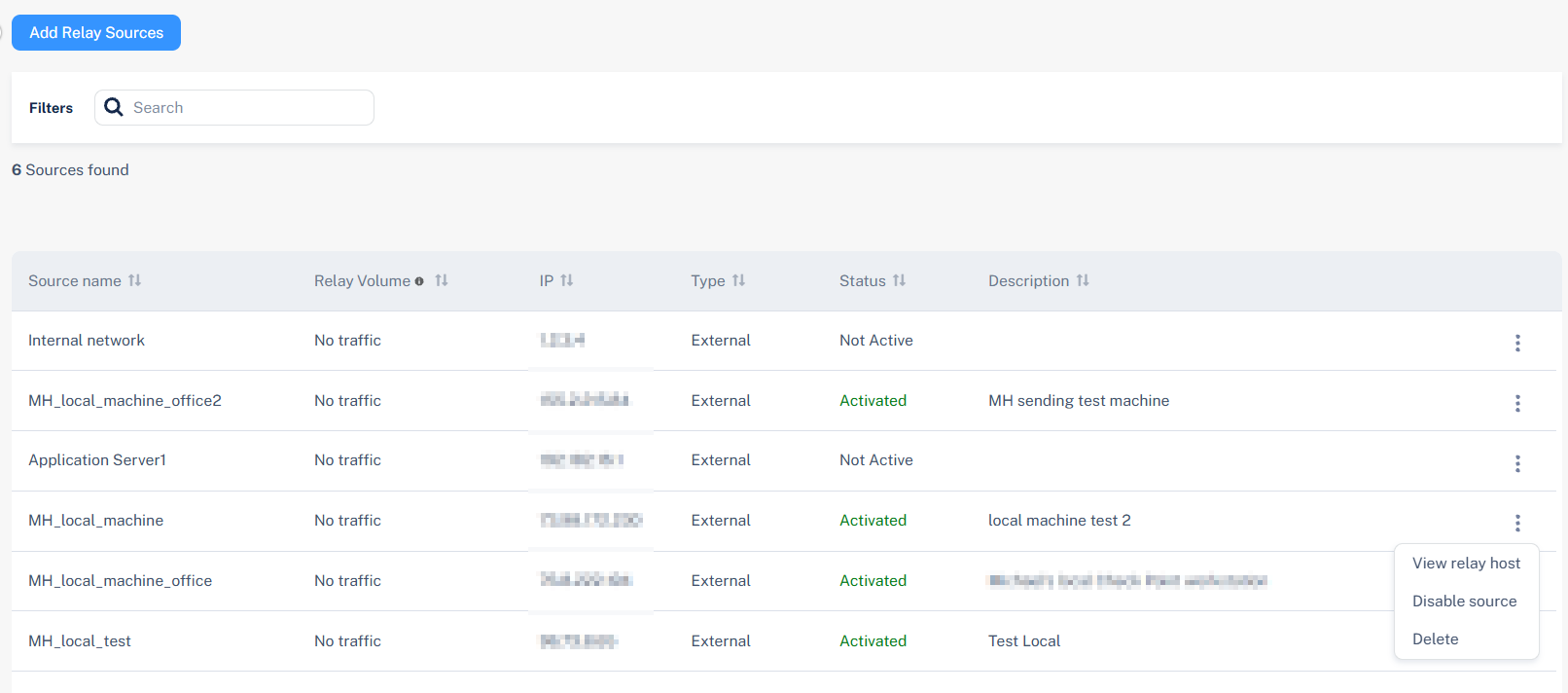
The Relay Sources Table displays all IP addresses of your email sending system and the statuses of the relay to route outbound traffic through Cloud Email Relay.
| Name | Description |
|---|---|
| Source name | Shows the name of the relay source. |
| IP | Shows your sending IP address that the relay will receive emails from or the network range of your authorized sending system. |
| Type | Status of the SPF record setup. |
| Status | Status of the relay source. |
| Description | Description relevant to the relay source. |