
Access the Domains Section
-
Access the Avanan Administrator Portal.
-
From the left navigation panel, go to Security Settings > Relay > Domains.
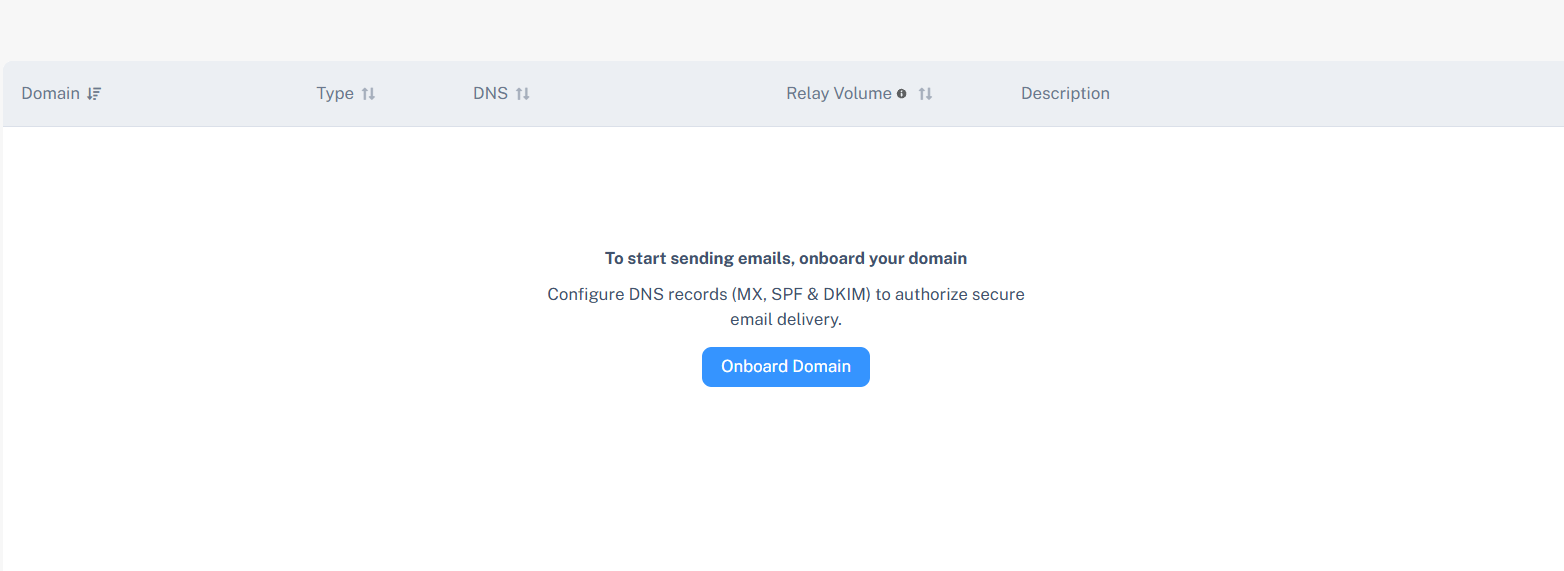
Domains Table
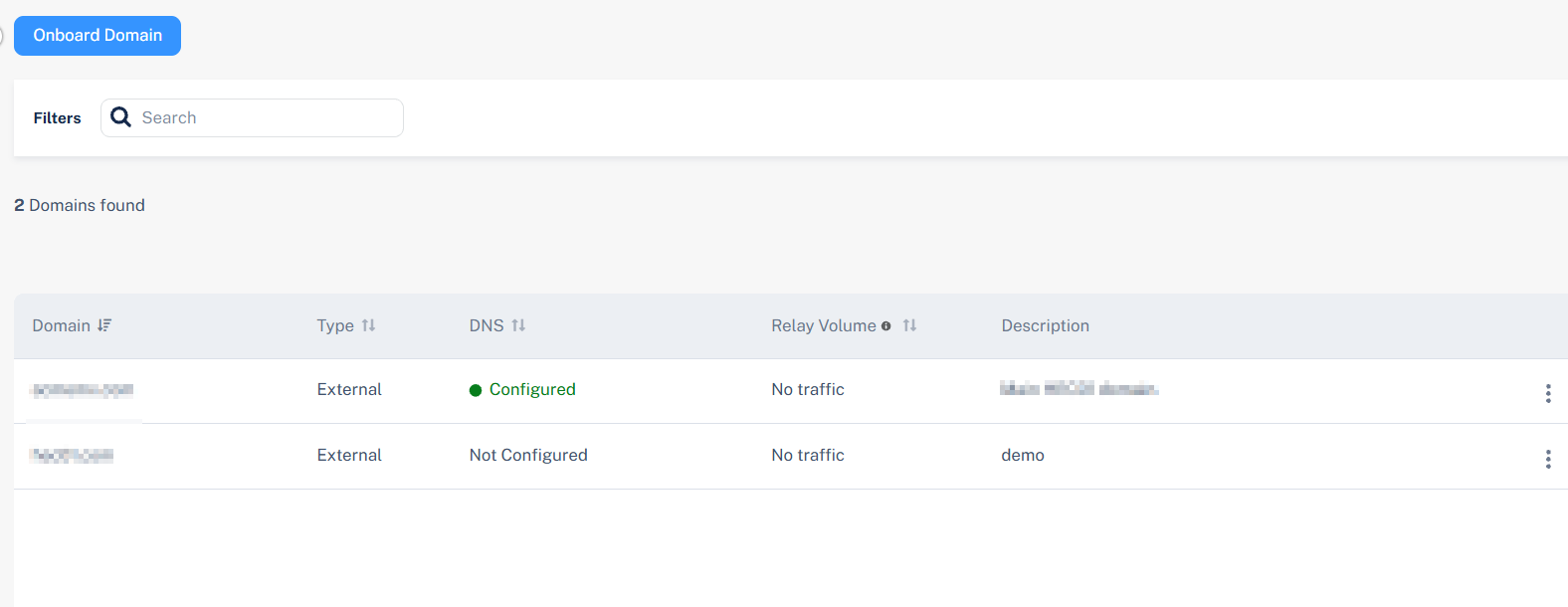
The Domains table displays all domains associated with your tenant, including their current relay status and configuration progress.
|
Name |
Description |
|---|---|
| Domain | Shows the domain address. |
| Relay MX Setup | Status of the Relay MX record setup. |
| SPF | Status of the SPF record setup. |
| DKIM | Status of the DKIM record setup. |
|
Description |
Description relevant to the domain. |
For example, a domain such as example.com may show Not Verified for Relay MX Setup and Not Configured for SPF and DKIM until DNS entries are added and verified.