
Groups
The Groups page allows you to create groups of members, based on roles and locations. For example, it allows you to apply a policy to multiple members or restrict access only to a segment of the network.
Segmenting networks uses the Software Defined Perimeter (SDP) technology. This isolates sensitive data and reduces the attack surface, minimizing the impact during security breaches.
To view the Groups page, access the SASE Administrator Portal and click Team > Groups.
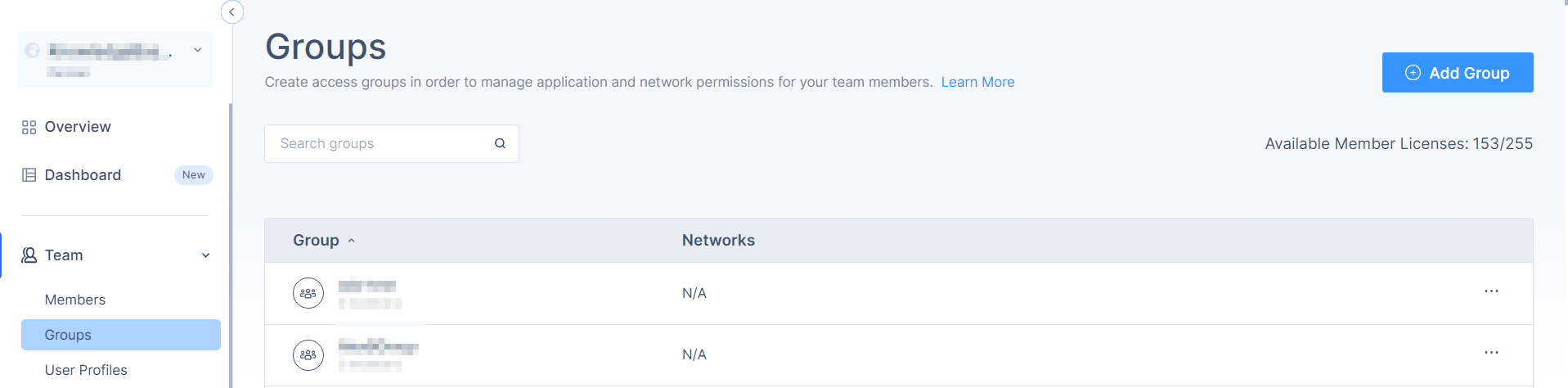
| Column | Description |
|---|---|
| Group | Group name. |
| Networks | Name of the networks assigned to the group. |