How it Works
- Playblocks either detects a malicious activity by analyzing the logs (On the Check Point Firewall or Multi-Domain Security Management or and Single-Domain Security Management ) or receives the preventive or corrective action to be executed directly, for example, from XDR.
- Automatically correlates the required action to a Predefined Automations.
-
Executes the automation.
Note:
You can disable automatic execution of an automation and configure Administrator approval for execution.
-
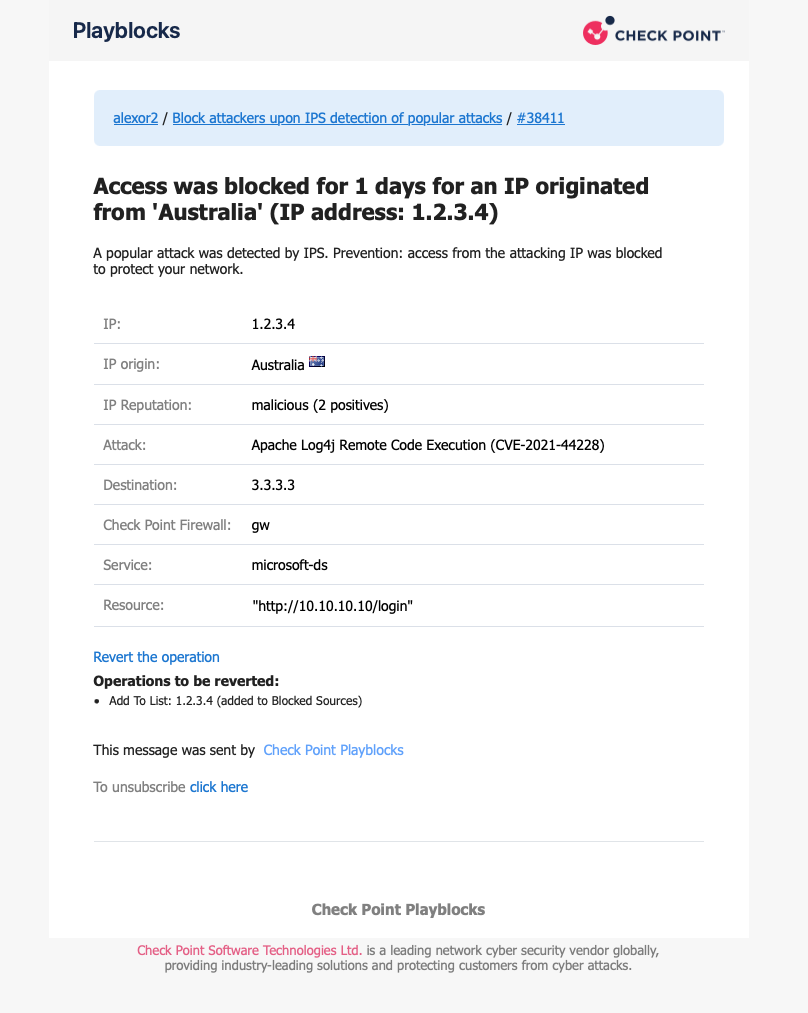
Sends a notification to the Administrator through the configured communication channel, such as Microsoft Teams.
For example:
-
The Administrator reviews the notification and takes the required action:
-
Revert the execution.
-
Approve or block the execution if Administrator approval is enabled.
See Approving, Rejecting or Reverting an Automation Execution.
-