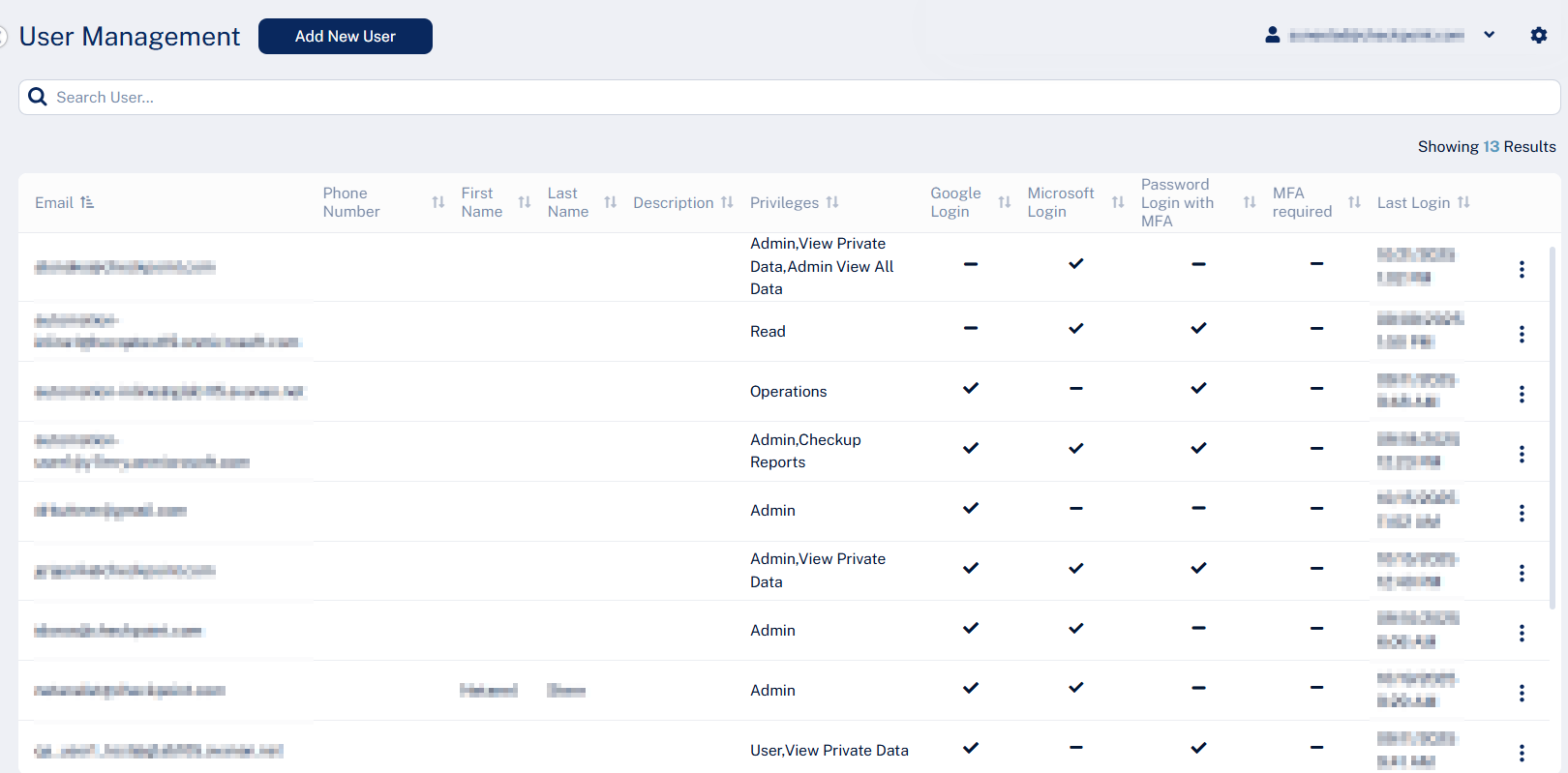
Viewing User Information To view and manage user information: Access the Avanan Administrator Portal. From the left navigation panel, go to System Settings > Users.