Reviewing Malicious Links
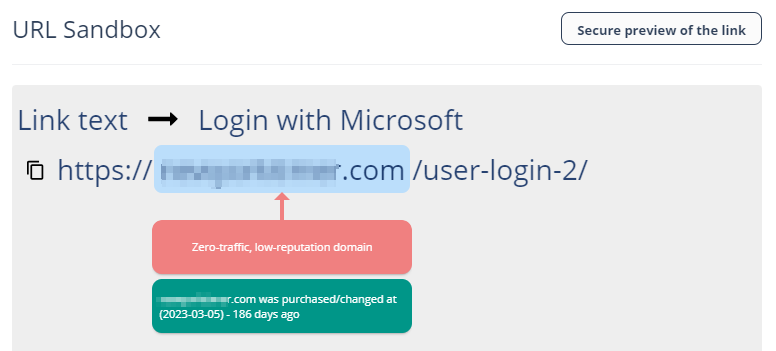
Link Analysis card on the Email Profile page shows the reasons why Avanan flagged links and QR codes as malicious or not. It also shows a secure preview (image) of the link.
For information about the malicious QR codes, see Anti-Phishing (Smart-Phish).
To review and investigate the malicious links:
-
Hover over the link and click Analyze link.
The URL Sandbox pop-up appears.