Microsoft Teams Security Settings
Customizing Tombstone Messages
If a message/file is tombstoned, a tombstone message will appear instead of the tombstoned message/file. The original message/file becomes inaccessible to the sender and the recipients in the chat/channel.
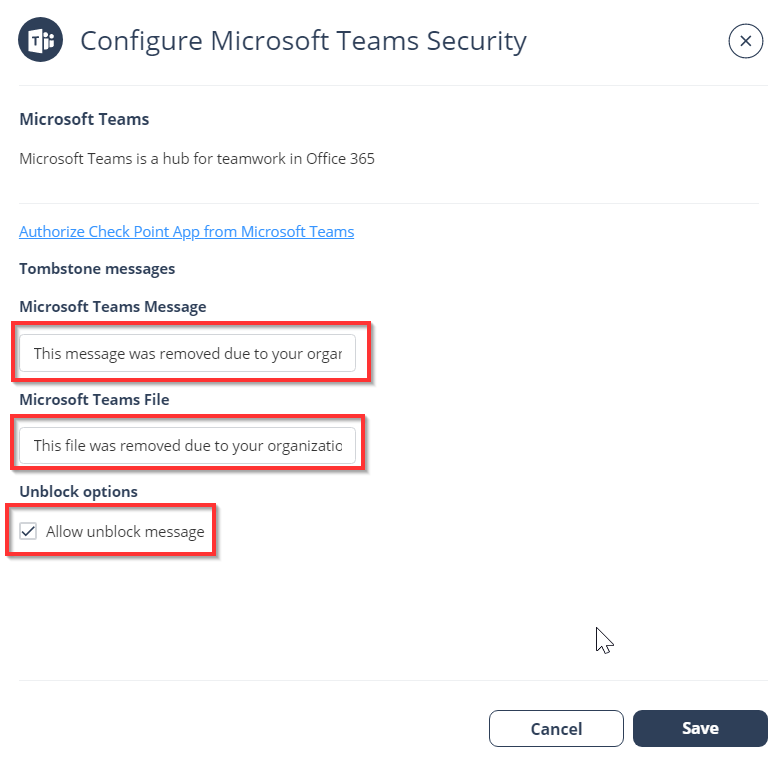
Administrators can customize the tombstone message for both messages and files.
To customize the tombstone messages:
-
To allow users to unblock tombstoned messages, enable the Allow unblock message checkbox.