Discovering Domains from RUA Reports
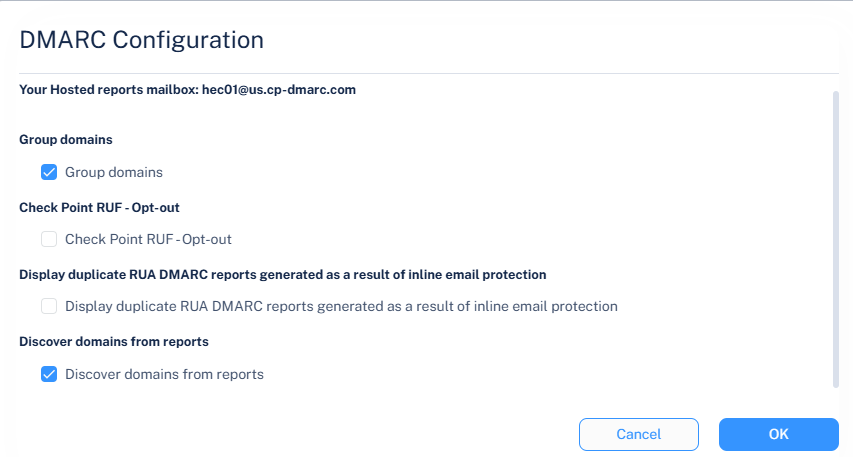
Avanan can automatically discover domains based on RUA reports found in your environment.
By default, the Discover domains from reports checkbox is enabled. When you disable it, the system removes all currently discovered domains from the domain list, except for verified and manually added domains, and does not discover new domains from incoming RUA reports.
Domains that are not SaaS-verified, previously discovered through RUA reports, and are actively managed for SPF or DKIM continue to be managed in the background. You can make these domains visible again by adding them manually.
When you re-enable the Discover domains from reports checkbox, the system resumes discovering new domains from incoming RUA reports, and all previously discovered data becomes visible again. Rediscovery may take up to an hour and depends on receiving new or recent RUA reports.
To enable discover of domains from RUA reports:
-
Click Configuration at the top of the page.
The DMARC Configuration pop-up appears.